

When WordPress reports “jQuery is not defined”, jQuery is usually not broken. The real cause is a wrong script loading order, an outdated theme or plugin, a blocked CDN, or a cache conflict. Back up first, then work through: update, check the console, disable plugins, fix the enqueue, switch to a local jQuery. That finds the cause fast. Export sites should take this seriously: after the fix, check INP ≤200ms, LCP ≤2.5s and CLS ≤0.1, or your inquiry pages will keep losing visitors.
What exactly is “jQuery is not defined”, and why does it appear in WordPress?
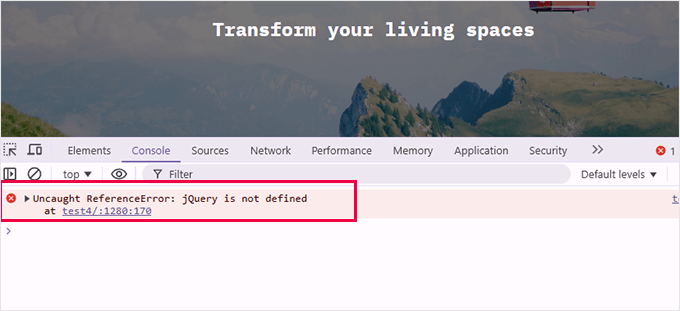
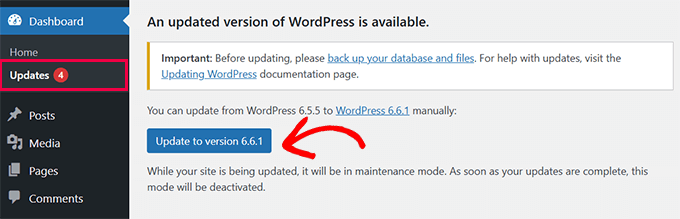
jQuery is the JavaScript library the WordPress admin and many themes and plugins depend on. If it does not load first as expected, every script after it throws “jQuery is not defined”. The error usually shows up in the Console tab of the browser developer tools. On the front end it can look like menus that won't open, popups that don't fire, or forms that fail to submit.
There are four common causes: an outdated theme or plugin; a wrong loading order, where jQuery doesn't come before the scripts that depend on it; conflicts between multiple scripts; or jQuery served from a CDN that is blocked or temporarily down.
For an export site this is more than technical noise. If a product page inquiry form, live chat or filter breaks, customers may simply leave. About 53% of users abandon a mobile page that takes more than 3 seconds to load (Google data), so check performance while you are in there.
Which checks should you run first in 2026 to save time?
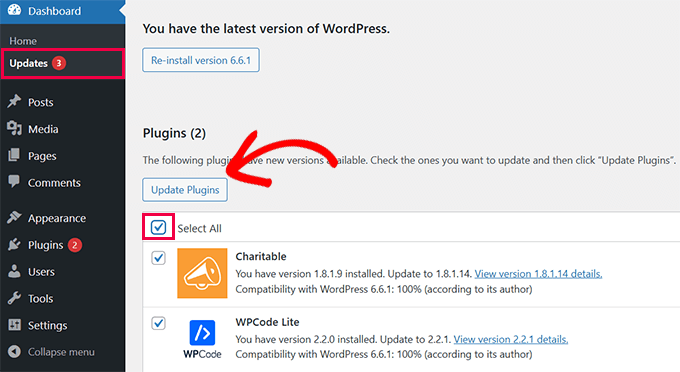
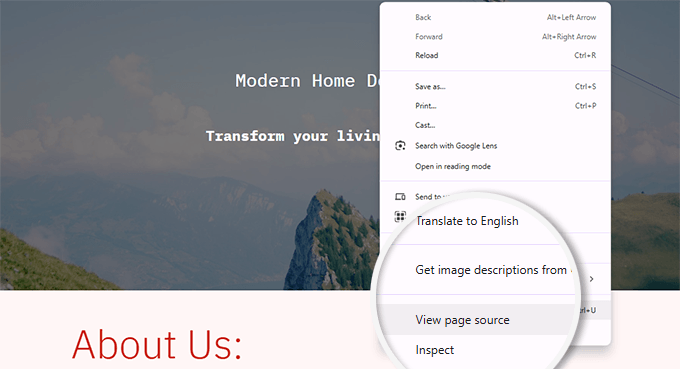
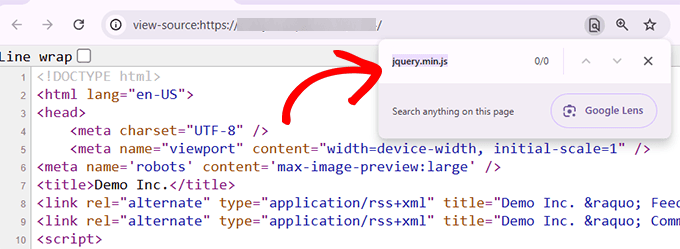
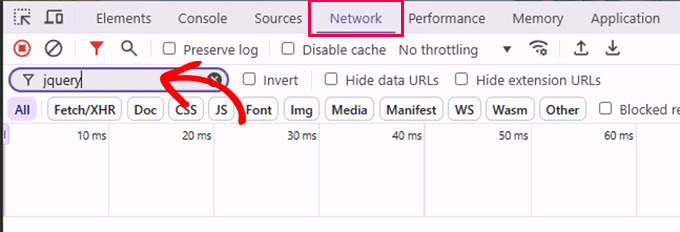
Don't rush into the code. Open the broken page in an incognito window, press F12, read the top red error in the Console, and check the Network tab to see whether the jQuery file is 404, blocked or timing out. Then clear the WordPress, cache plugin and CDN caches to rule out stale files. Finally, write down which plugins or themes were installed or updated just before the problem started.
- Back up the database and wp-content before you fix anything.
- If you can reproduce it on a test site, don't touch production.
- Deactivate plugins instead of deleting them, so you don't lose data.
- Change one thing at a time and record the result.
If you recently moved hosts or changed domains, check mixed content, SSL and CDN origin settings first. The checklist in moving a WordPress site to a new host covers this.
WordPress releases fast in 2026. Before updating, read what's new in WordPress 6.7 so you don't hit theme or plugin incompatibilities.
The 6 fixes, ranked from lowest to highest risk
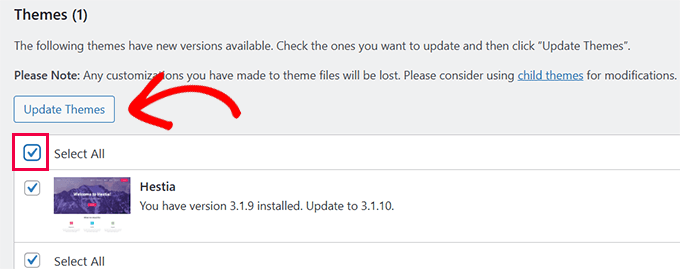
These six methods cover most “jQuery is not defined” cases. Work through them in order and test both the front end and the admin after each step.
| Order | Method | When to use it | Watch out for |
|---|---|---|---|
| 1 | Update WordPress, theme and plugins | Errors started after an update, or versions are old | Back up first; don't bulk update at peak traffic |
| 2 | Clear WordPress, plugin and CDN caches | Code unchanged but the error keeps coming back | Clear the browser cache and retest in incognito |
| 3 | Deactivate plugins to find conflicts | Appears after one plugin is activated | Deactivate one at a time and keep notes |
| 4 | Fix the script loading order | Theme or plugin loads its own scripts | Declare the jquery dependency in wp_enqueue_script |
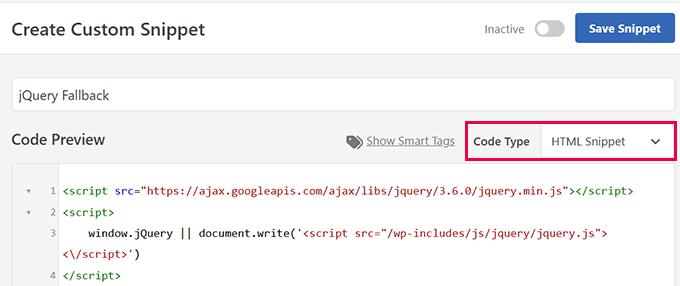
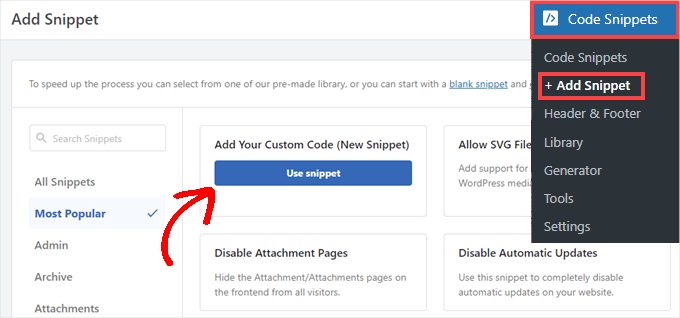
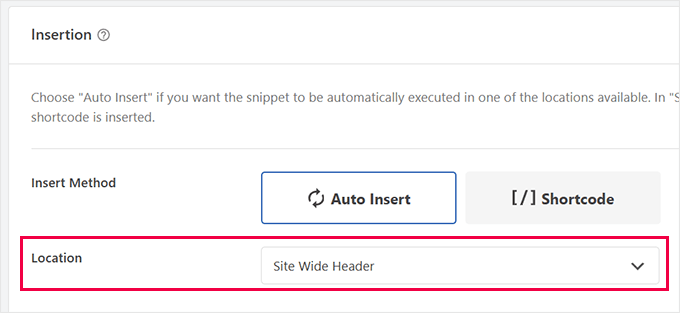
| 5 | Switch to a local jQuery or a working CDN | Console shows the jQuery file failing to load | Never load two copies of jQuery |
| 6 | Fix theme hardcoding or switch to a compatible theme | Old theme, edited functions.php | Test in a child theme first, then go live |
Method 4 is the most common one: when you load scripts in functions.php or a plugin with wp_enqueue_script(), list jquery in the dependency array instead of writing a script tag by hand. If a theme hardcodes jQuery in the head, it easily duplicates the version WordPress ships and creates the conflict itself.
Be careful with method 5: if the jQuery on the CDN becomes unreachable, the whole front end stops working. Export sites serving overseas buyers should prefer local files or a stable CDN, and clear caches after the swap.
Method 6 carries the most risk. Build a child theme before you touch anything; if the theme hasn't been updated in years, consider a lightweight theme or rebuilding the key pages. If you'd rather hand it to a team, see website build services.
How do you fix it without wrecking site speed and inquiries?
jQuery errors often come with too many third-party scripts. GA4, Meta Pixel, TikTok Pixel, live chat and popups all compete for the main thread and are the biggest INP killers. A common approach is to delay them until the first user interaction (touchstart, mousemove, keydown, scroll).
In 2026 the Core Web Vitals “good” thresholds are LCP ≤2.5s, INP ≤200ms and CLS ≤0.1; INP officially replaced FID in March 2024. After fixing jQuery, check real user data in PageSpeed Insights and Search Console. Core Web Vitals uses a rolling 28-day window, so allow about four weeks for changes to show.
Page builders also differ in INP cost: Elementor, Divi, WPBakery, Beaver Builder, Bricks, GenerateBlocks, Kadence Blocks and native Gutenberg run roughly from worst to best. In one case, a 30-page site moved from Elementor to Bricks: INP dropped from 290ms to 110ms and LCP from 3.4s to 1.9s, with the migration taking about 16 hours.
If TTFB is high, Cloudflare APO costs about $5/month and caches HTML at the edge, bringing TTFB down to 30–80ms. If inquiries still don't come after the fix, the problem may be positioning and content — see why a B2B site gets no traffic or inquiries.
How to verify the fix and stop it from coming back
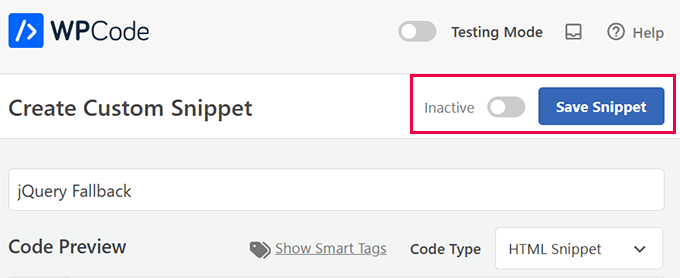
Verification takes a few steps: no red jQuery errors in the Console; click through menus, popups, forms and filters one by one; test again on a phone over 4G. Also open a plugin page and the post editor in the admin, so you don't fix only the front end.
- Keep a backup you can roll back to.
- Load only one version of jQuery.
- Queue every script through wp_enqueue_script.
- Retest in incognito after clearing caches.
- Log which plugins and themes changed, and when.
Long term, fewer plugins, a fixed monthly update window and testing on a staging site first cost less than firefighting. Releases have been frequent since WordPress 6.7, so theme and plugin incompatibilities will be more common. Read the changelog before updating, and check the Console and Core Web Vitals after.
If the site is a B2B export website, spec tables, MOQ and inquiry forms on product pages matter more than animation effects; see the page structure in B2B export websites.
Frequently asked questions
Does “jQuery is not defined” fix itself?
Rarely. It is usually a loading failure or an ordering problem. Clearing caches may bring things back temporarily, but it returns after a plugin update or a CDN change.
Will deactivating a plugin lose data?
Deactivating normally keeps the data; don't click delete. Back up first, then deactivate and test one at a time.
Do I need a new theme after fixing it?
Only if the theme hasn't been updated in years, hardcodes jQuery, or is incompatible with your WordPress version. Test in a child theme first.
Why does the front end error when the admin is fine?
The front end loads more scripts — theme, page builder, chat and popup scripts can all be involved. Check the top error in the Console in incognito mode.