10 years of export website building · serving exporters and SOHO
Retail store with multi-currency and card/PayPal payments
These three are not optional add-ons, and they don't cost extra. Whichever version you end up choosing, they're included.
Indexed pages, organic traffic, clicks, and ranking changes—compiled into one report on the 1st of every month and sent straight to your email. No need to log into a dashboard or ask us for numbers—you can see at a glance whether things went up or down versus last month.
If there's no movement for three months, we'll proactively reach out to review it with you.
Set up your site and get West.cn Business Email—not the free version, but paid business email. With your brand domain suffix (you@yourbrand.com), 5 accounts, and unlimited storage per account, you won't need to buy third-party email separately.
Replying to inquiries and sending outreach emails from a business address makes a different first impression on customers.
Every plan uses a commercial CDN, not the free version. 119 nodes cover weak-network regions like Africa, the Middle East, and South America—a customer in Nigeria opens your site as fast as someone in Shanghai.
Lost foreign trade inquiries are often not because the product isn't good, but because the page won't load.
There is only one difference between the store version and the showcase version: customers can pay you directly on your site. No adding you on WhatsApp, no waiting for a quote, no back-and-forth emails — they see it and order, and the money goes straight into your PayPal or Stripe.
The trade-off is that this is far more complex than a showcase site: products need variants and stock, shipping has to be calculated correctly, and refunds need someone to handle them. Here's what it actually includes.
PayPal, Stripe, LianLian Pay — credit cards and local wallets covered, so customers pay the way they're used to.
Single units at retail price, automatic switch to wholesale price once the minimum order quantity is reached — one product, two ways to sell.
Colours, sizes, multiple images, variant pricing, stock linked in real time, automatically delisted when sold out.
Order, payment, dispatch, tracking number, customer tracking, after-sales requests — all on the same line.
Register and log in, member prices, coupons, limited-time promotions, related recommendations — turn one-time buyers into repeat customers.
Most overseas buyers order on their phones, so browsing, adding to cart and paying must all work in one flow.
| B2B Showcase Version | B2C Store Version | |
|---|---|---|
| Customer action | View products → send inquiry → negotiate price | View products → add to cart → pay |
| Price | Not public, agreed order by order | Publicly listed, bulk prices available |
| Time to launch | Fast, live in about two weeks | Slower, products and payments must be fully set up |
| Daily maintenance | Low, mainly adding products | Medium, orders, stock and after-sales all need managing |
| Best for | Machinery, chemicals, custom/non-standard work, large orders | Consumer goods, standard products, small repeat purchases |
Recorded on mobile · silent loop
Many customers in the Middle East, South America, Southeast Asia and Africa have no credit card and don't like filling in forms on a website — they do business on WhatsApp.
So we made that path direct: the customer picks a variant and quantity on the product page, adds it to the "inquiry list", and once they've gathered enough they tap one button — the whole list, with product names, SKUs, variants, quantities, unit prices, subtotals and product links, is assembled into a single message and jumps straight into your WhatsApp chat window. They press send, and what you receive is an inquiry with all the information in it.
Our own store sample library, split into seven categories by industry and product type — each one is a complete, working store: product listings, product detail, cart, checkout and payment flow are all in there. Click "View Demo" to walk through an order yourself.
Find the category closest to your products, see how it arranges items, how it sets prices, and how it moves customers from browsing to paying. If you want one, just tell us the number and we'll adapt that structure for you.
Finished samples with the same structure — click in to see the layout and how the content is organised. If your industry isn't listed, that's fine: keep the structure and swap the content.
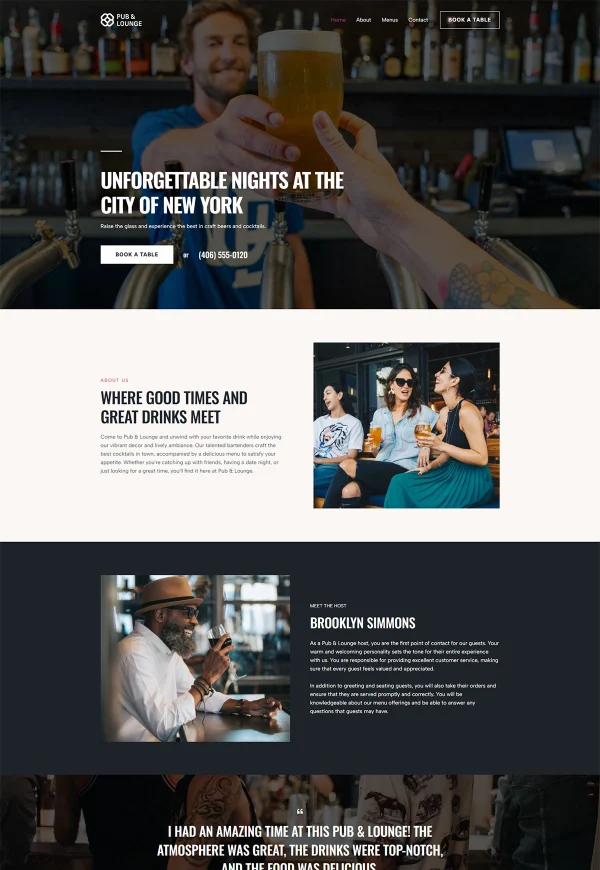
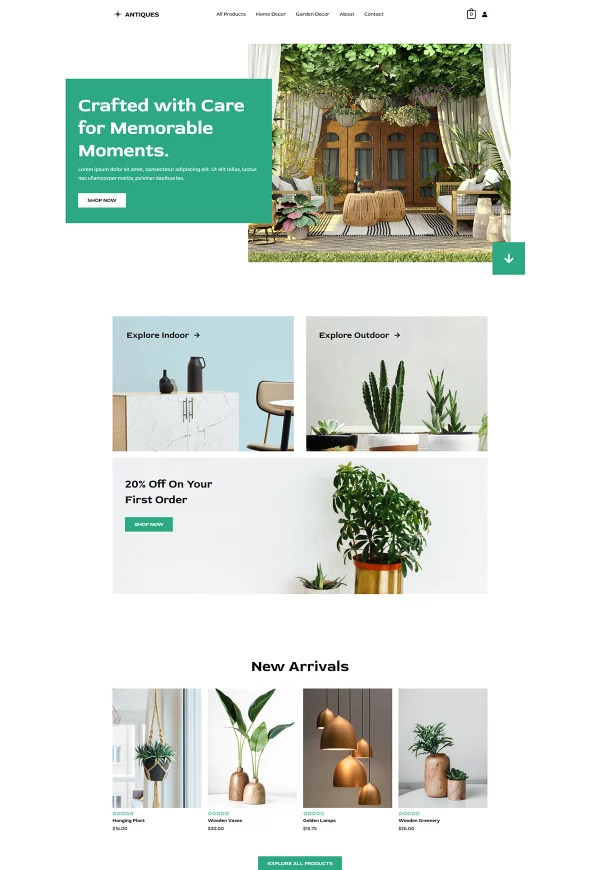
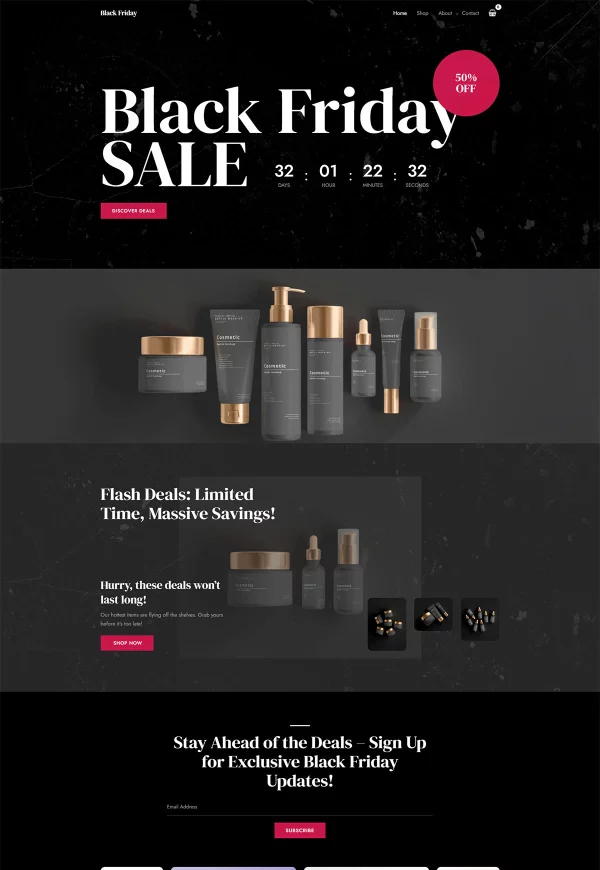
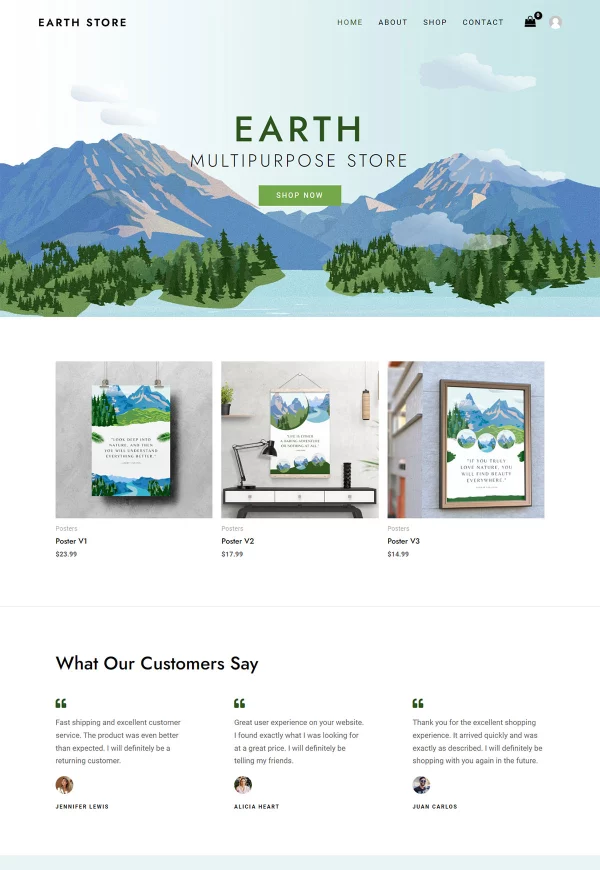
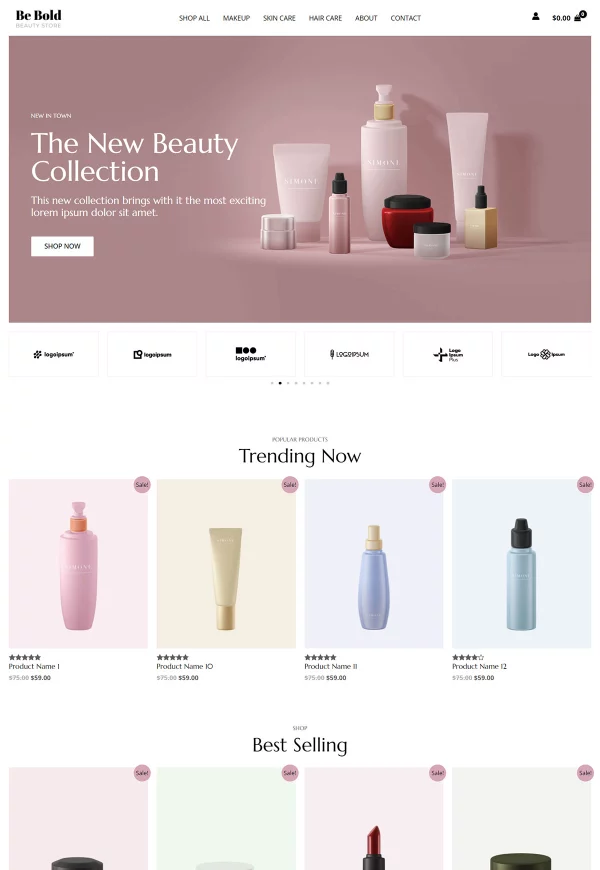
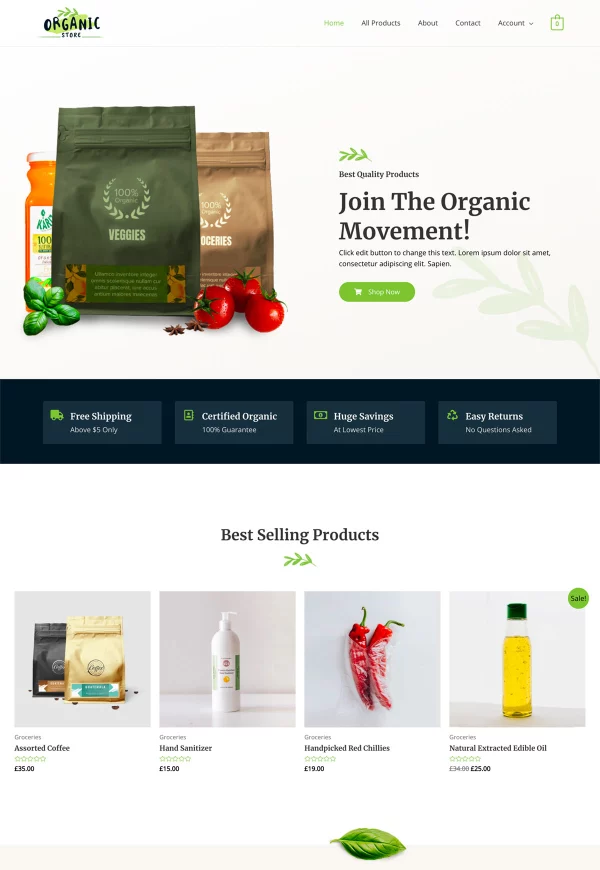
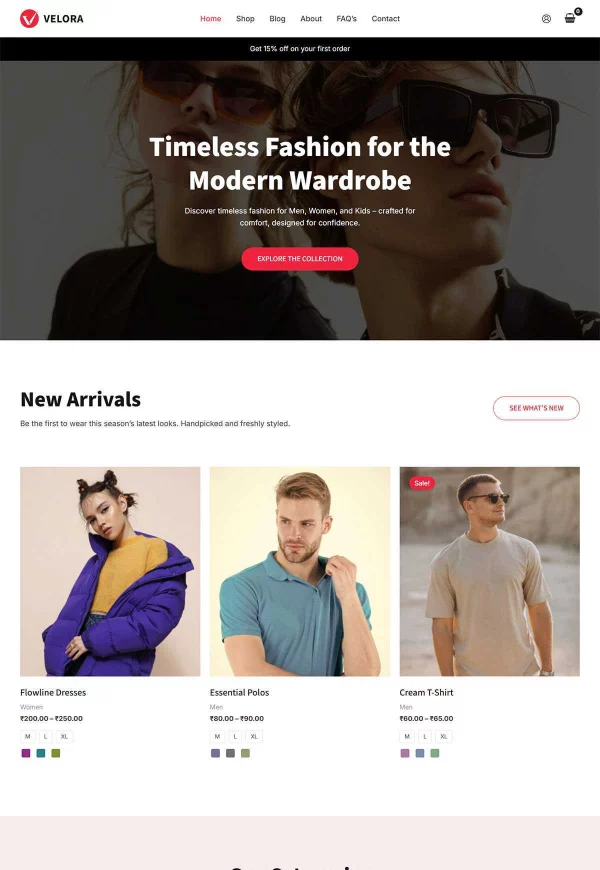
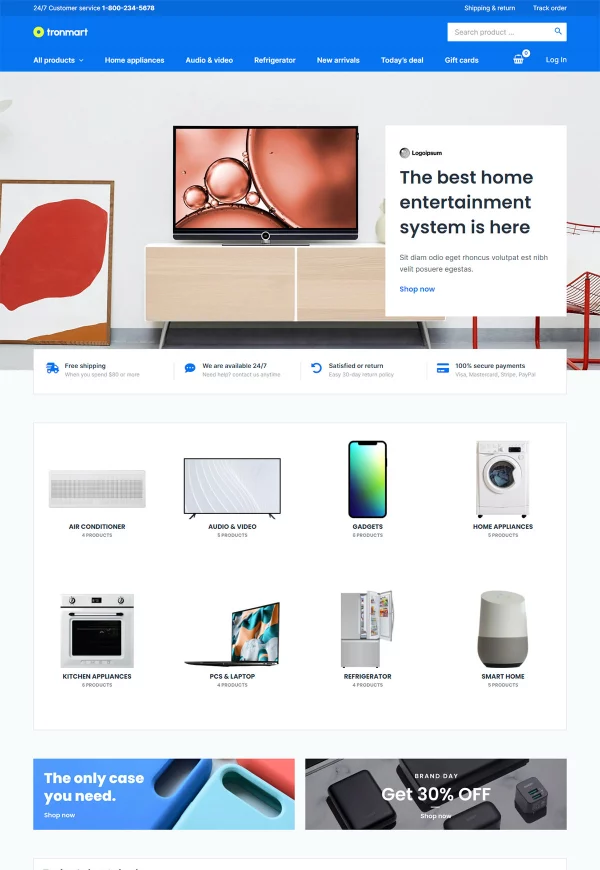
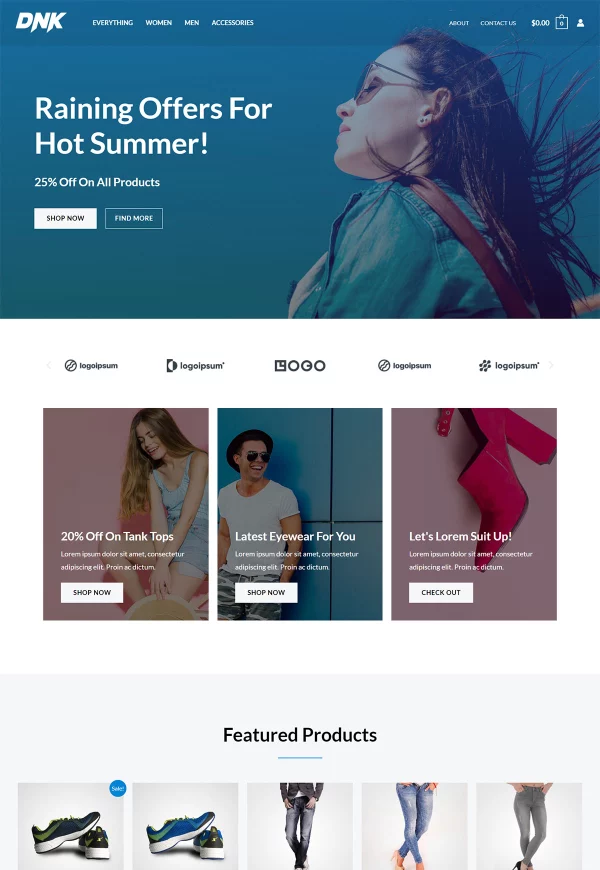
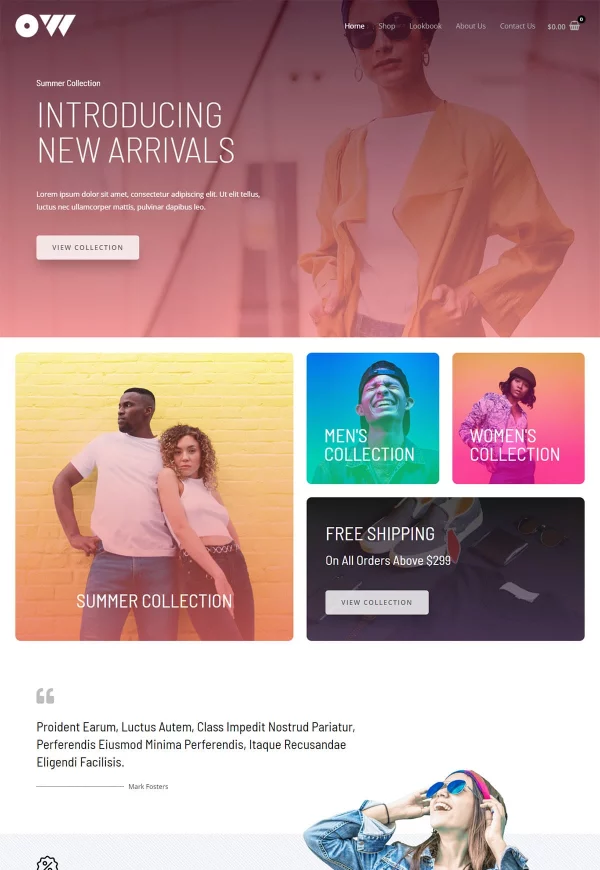
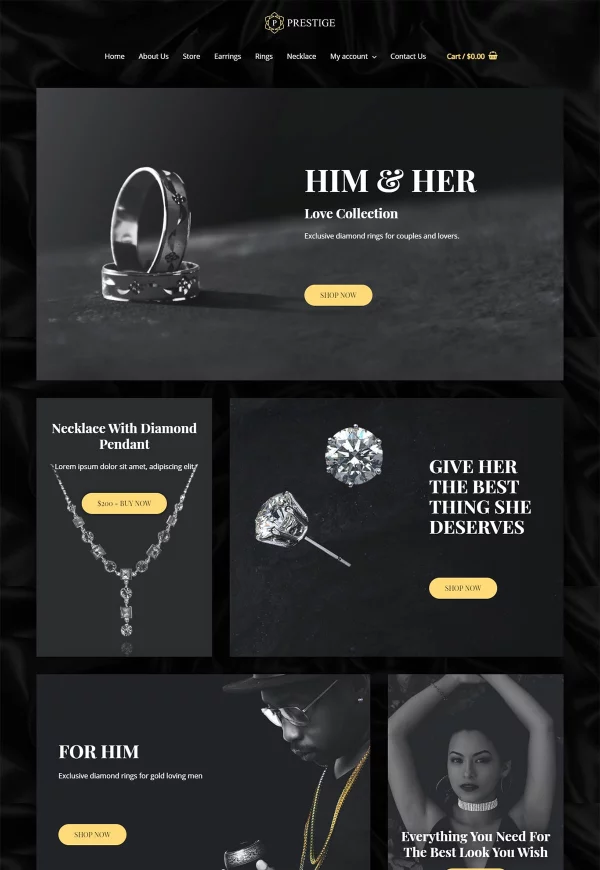
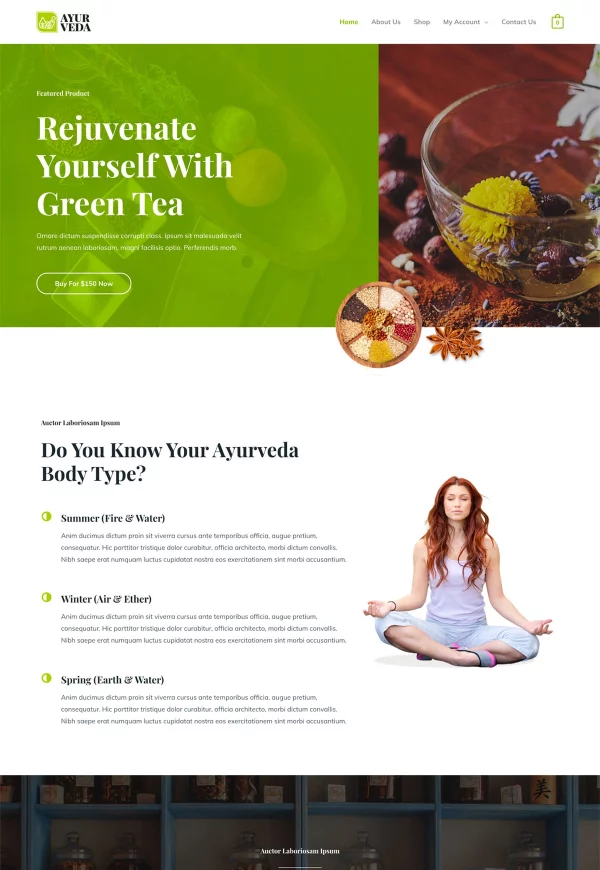
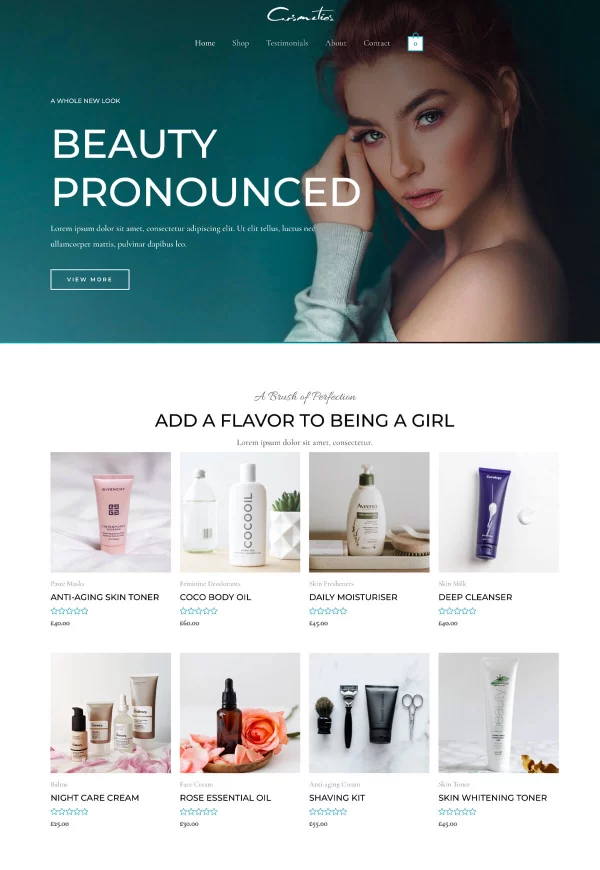
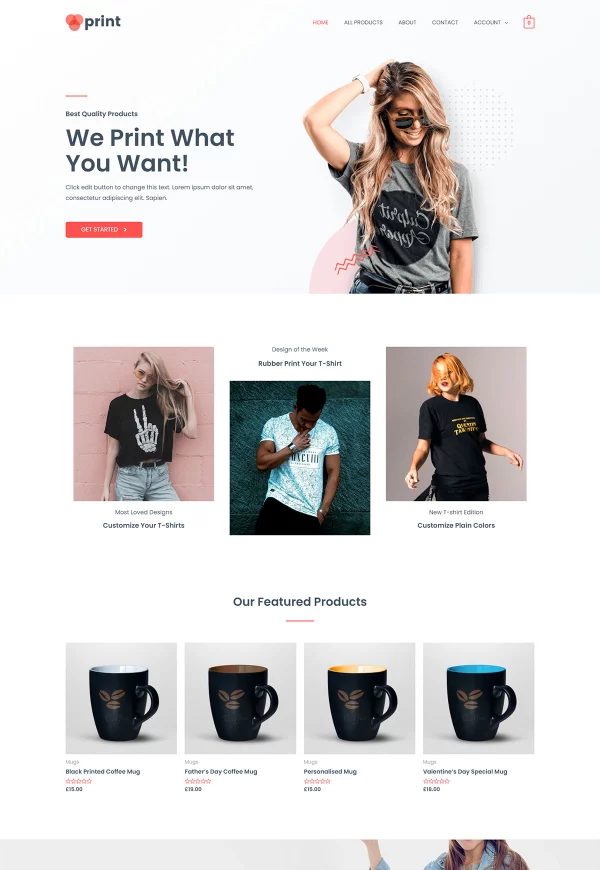
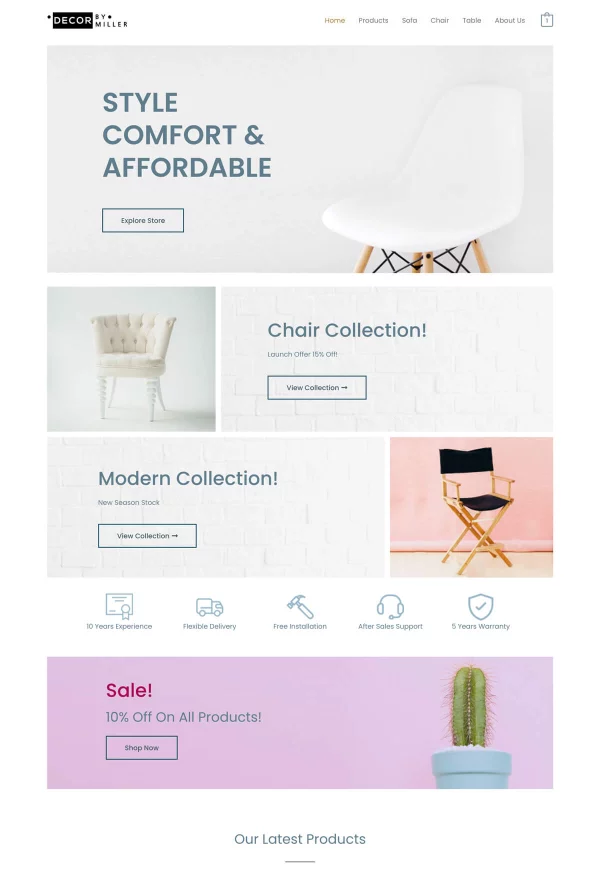
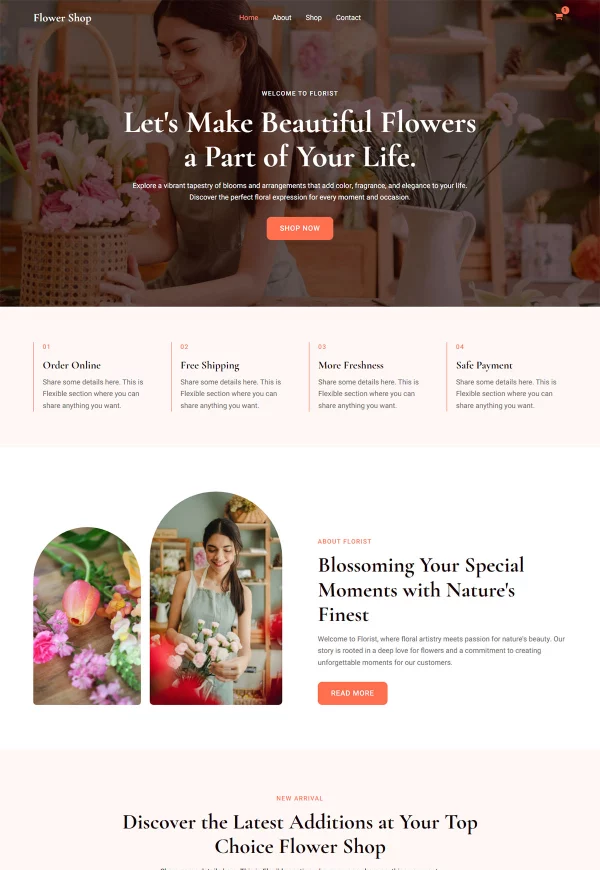
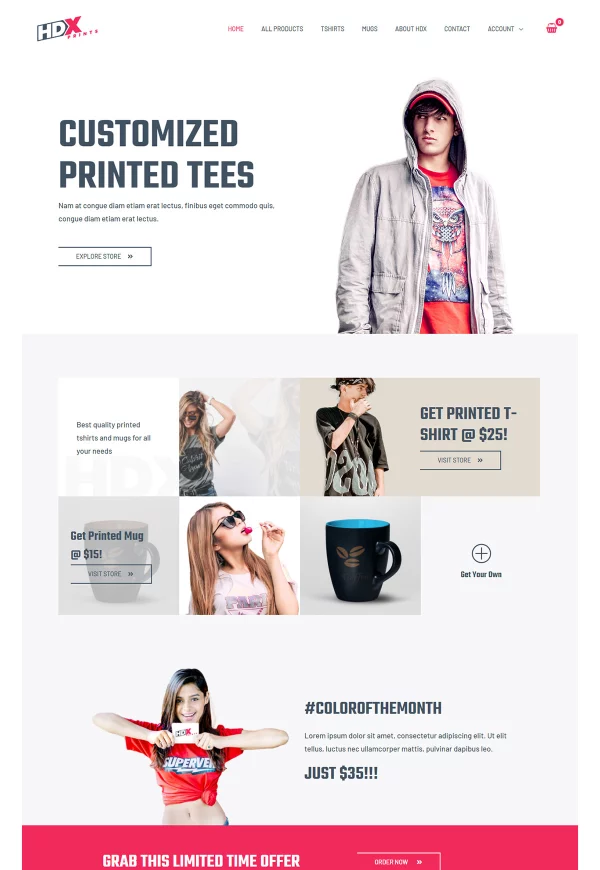
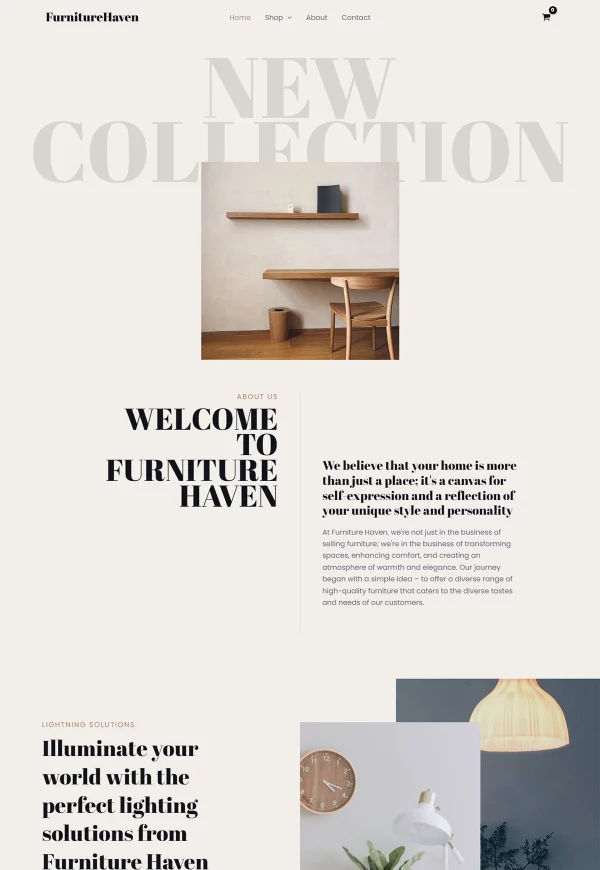
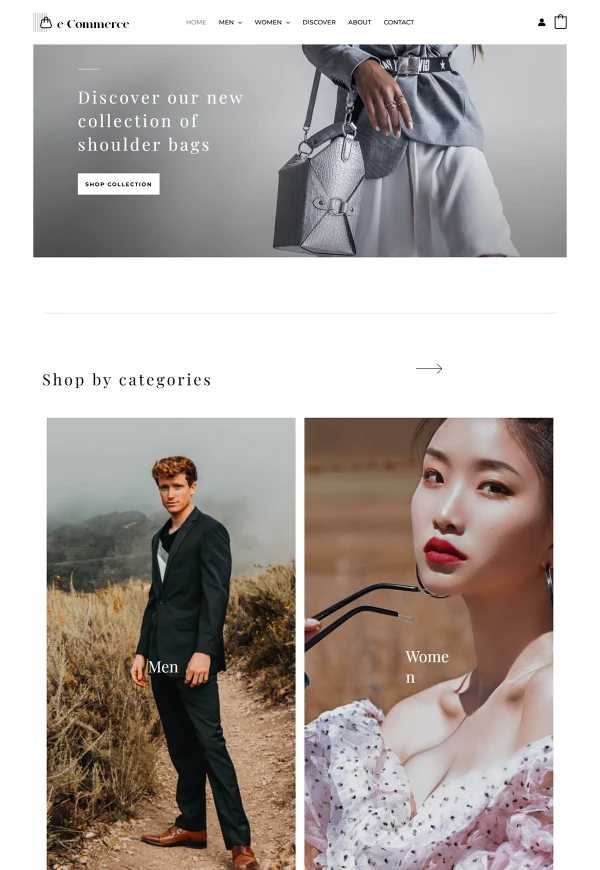
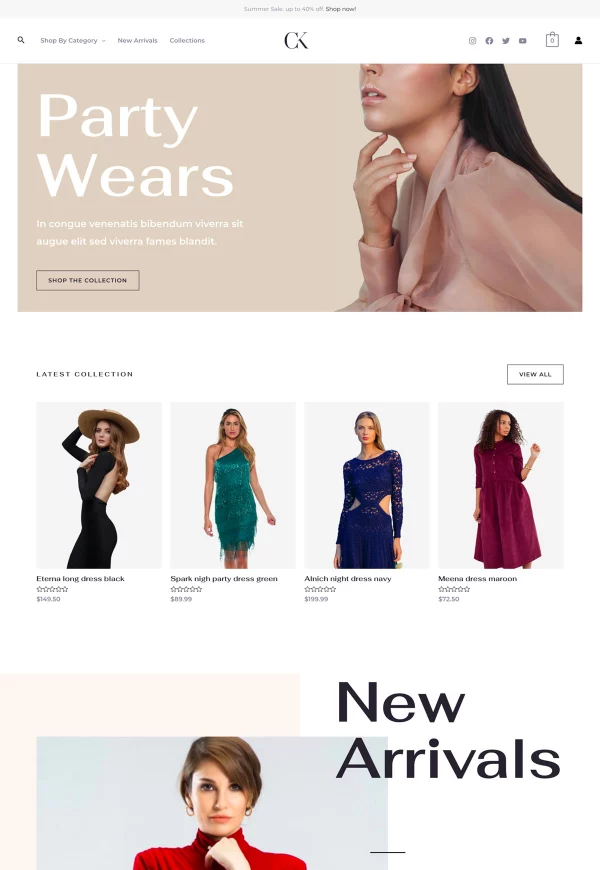
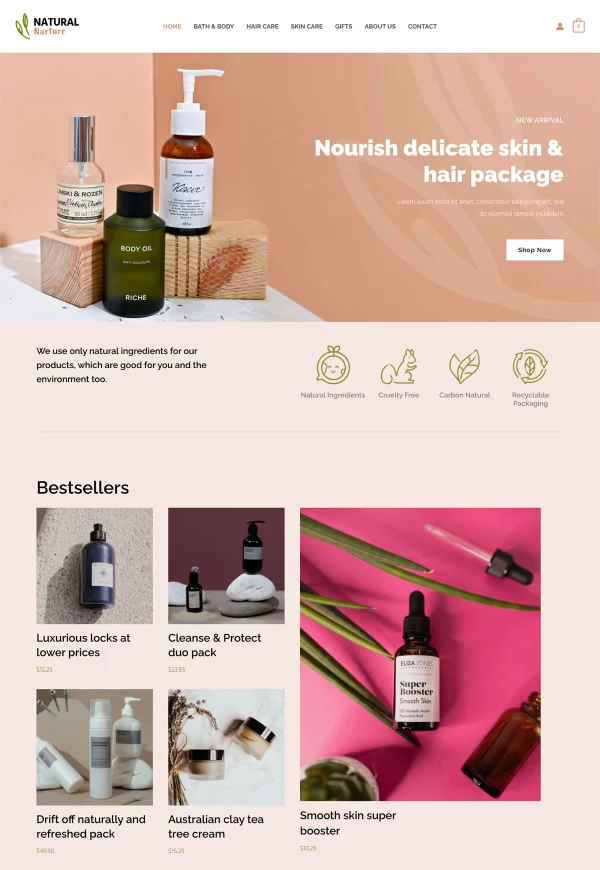
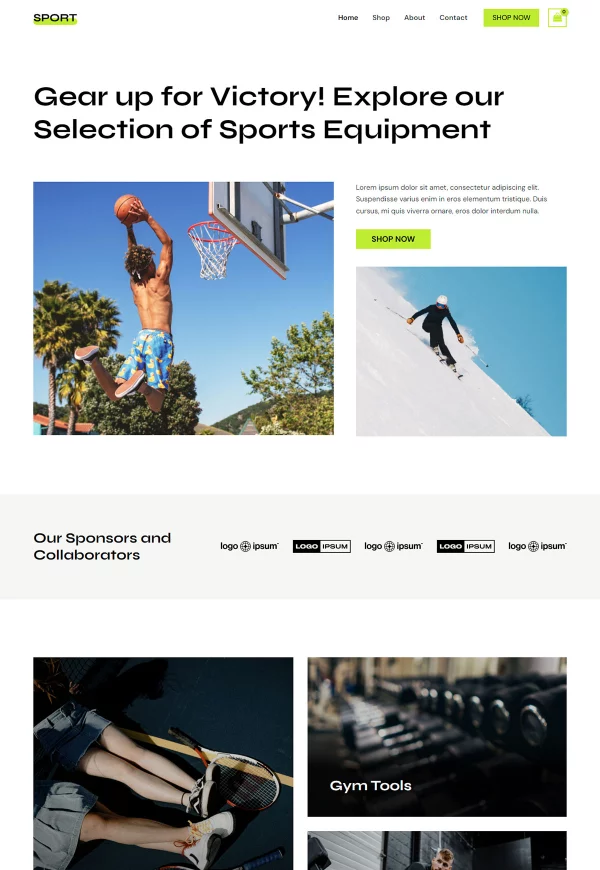
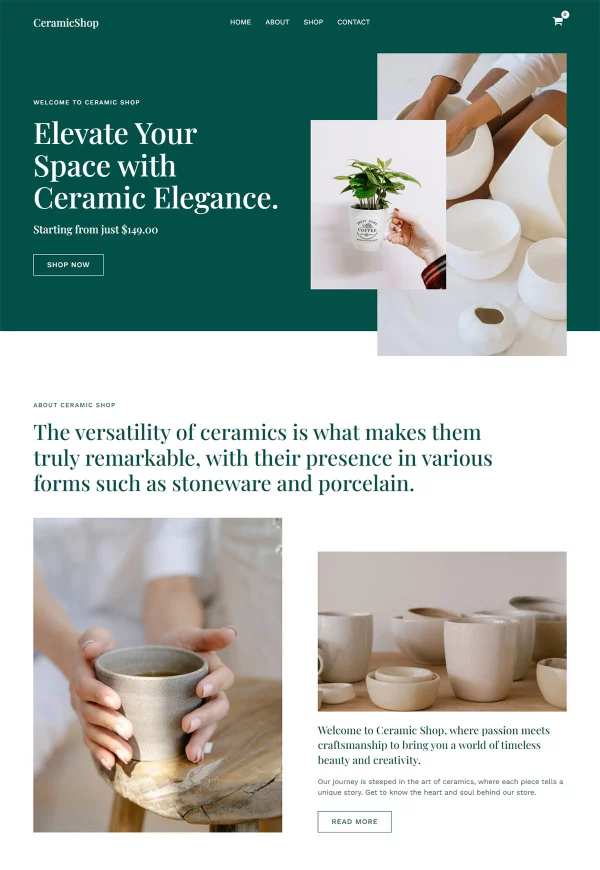
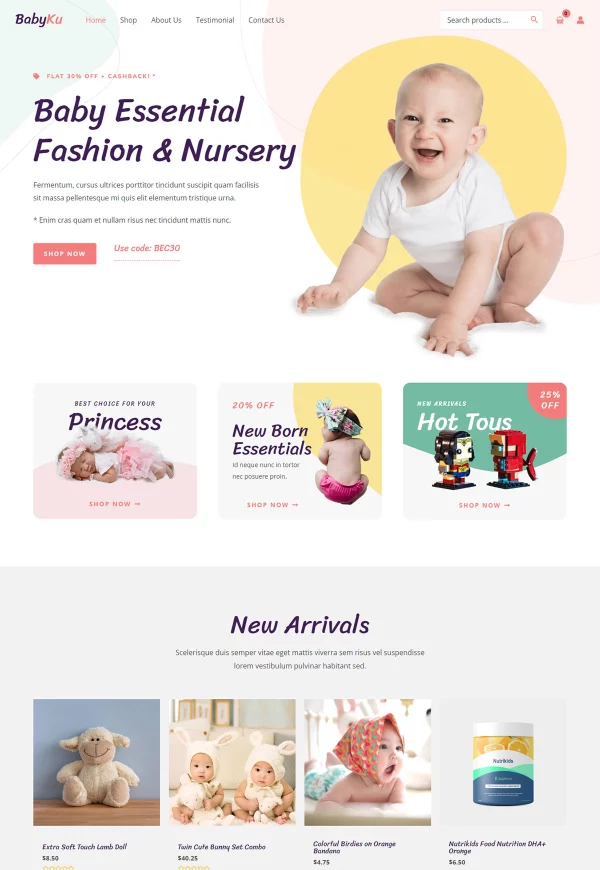
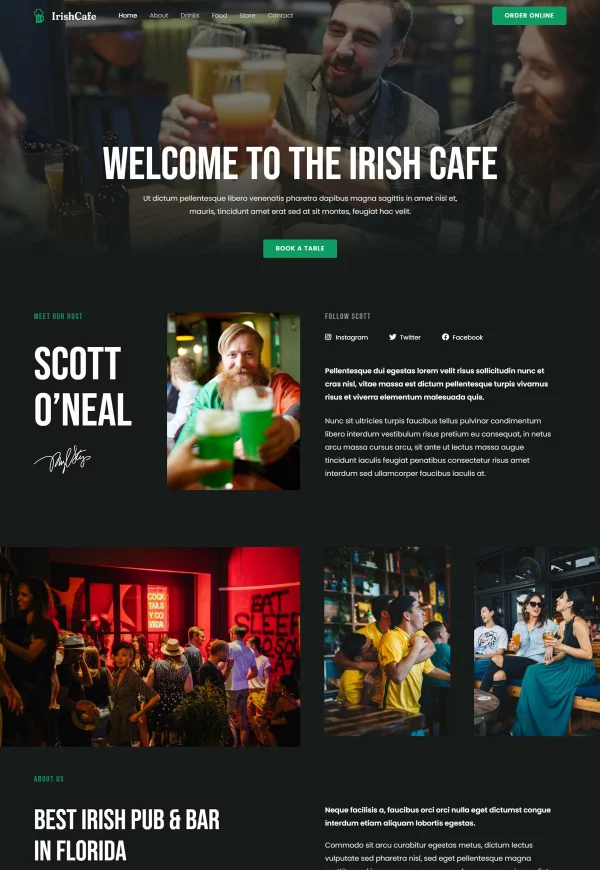
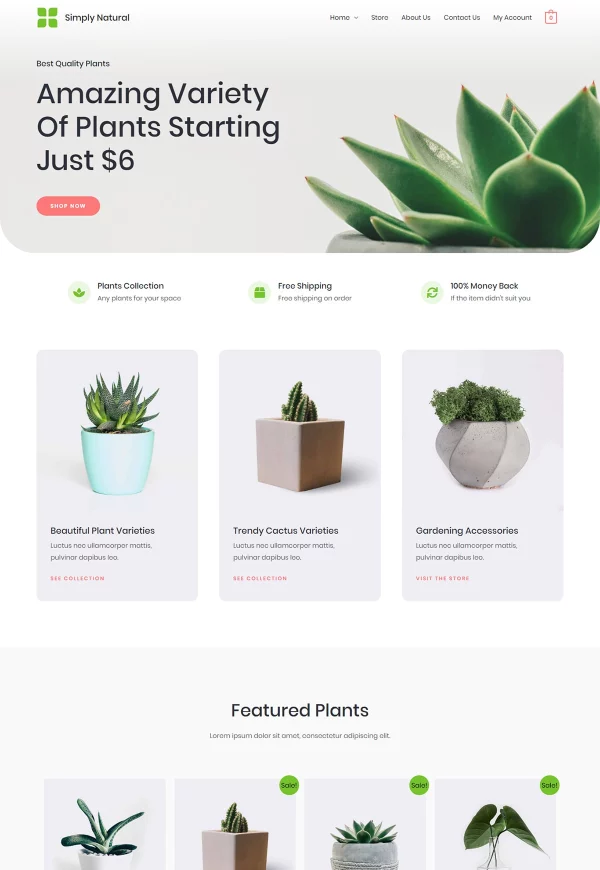
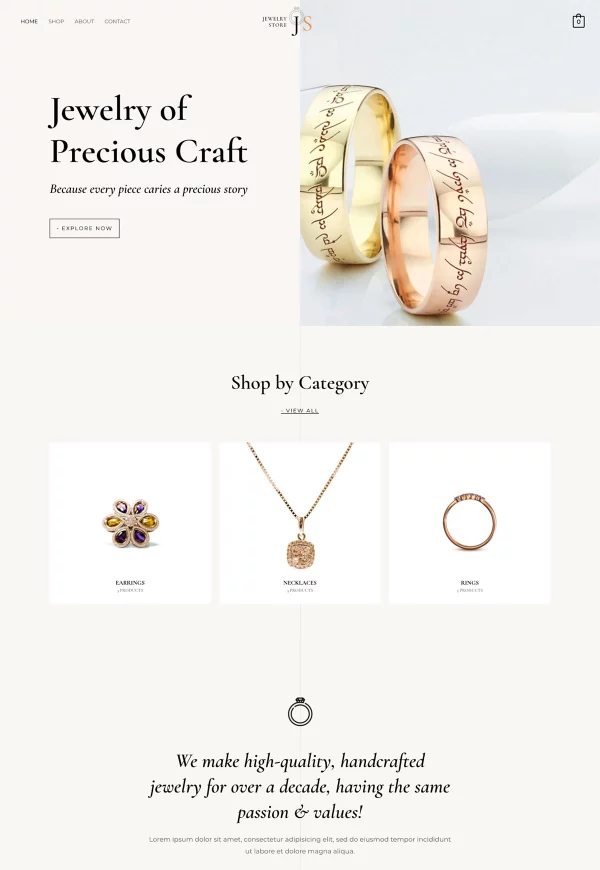
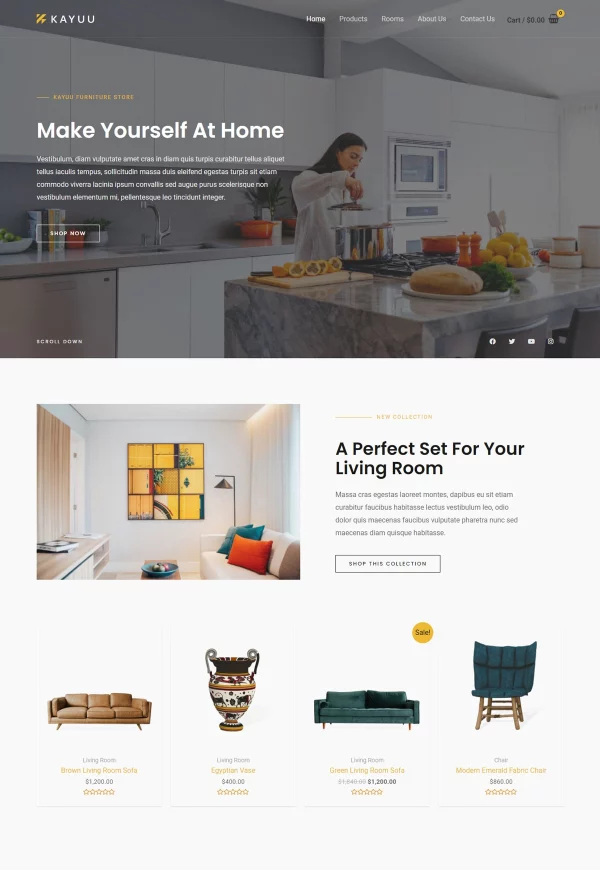
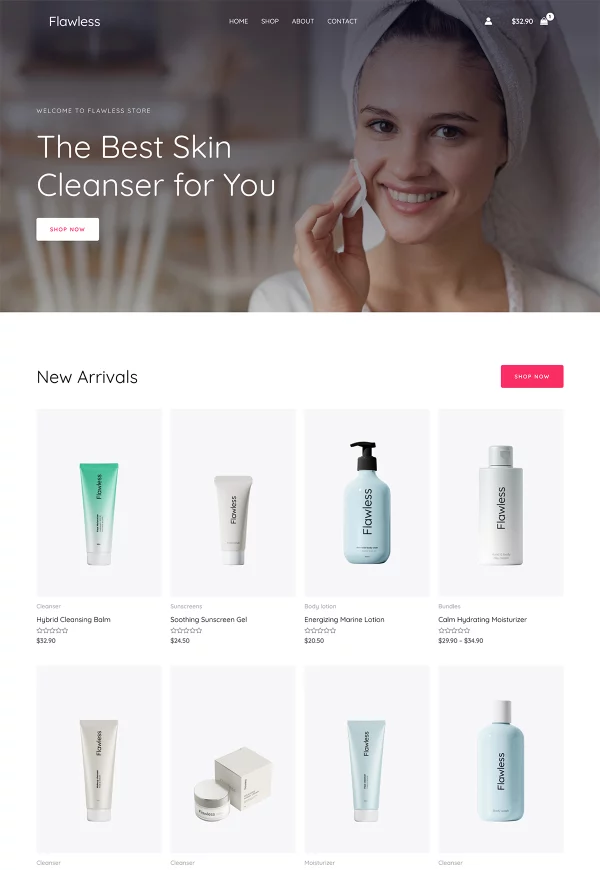
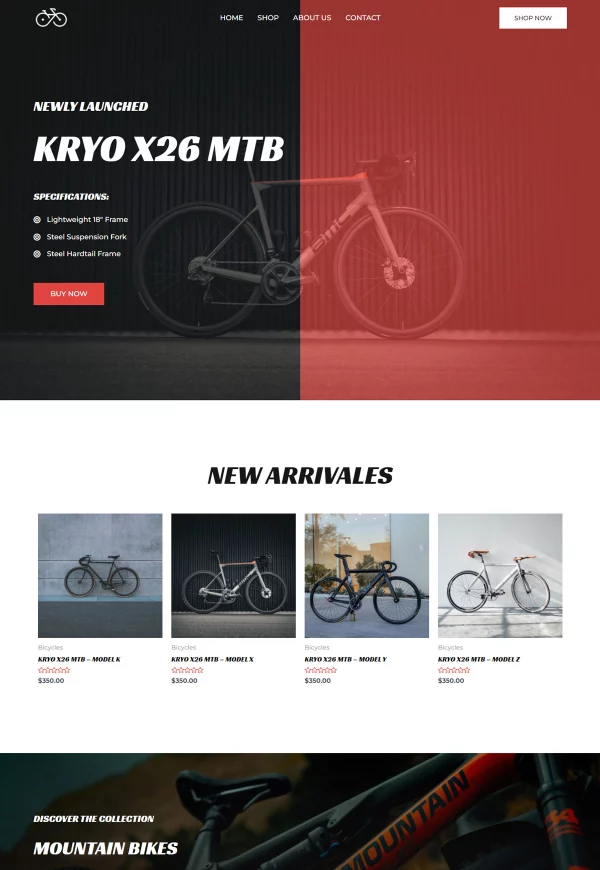
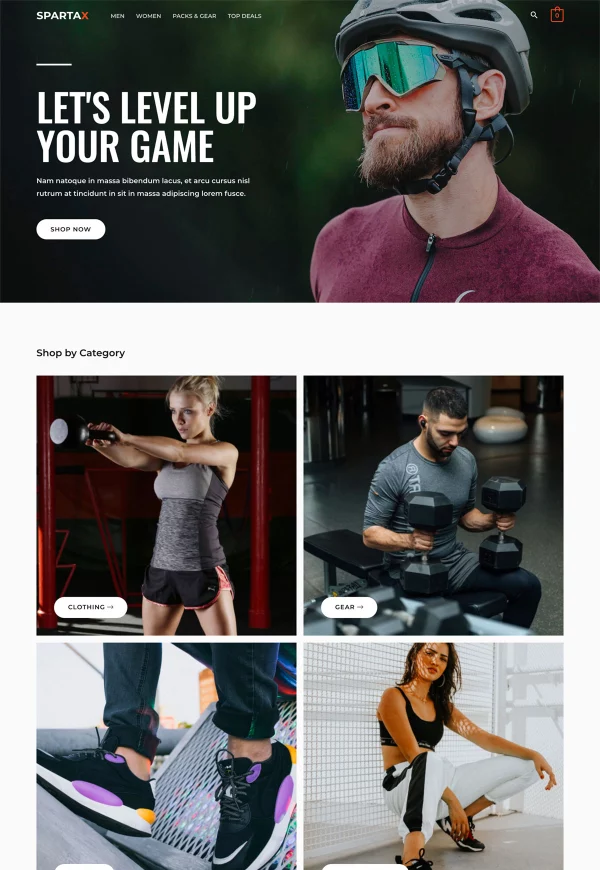
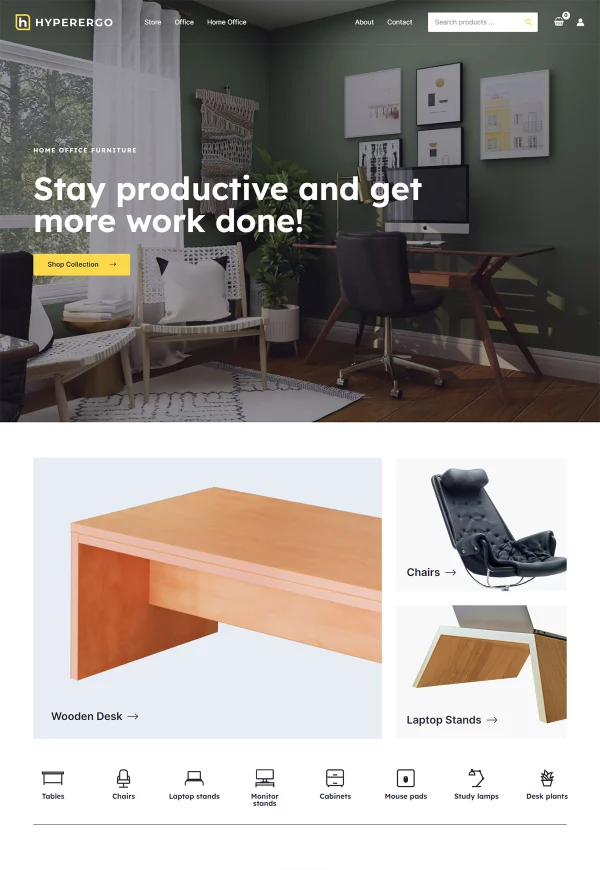
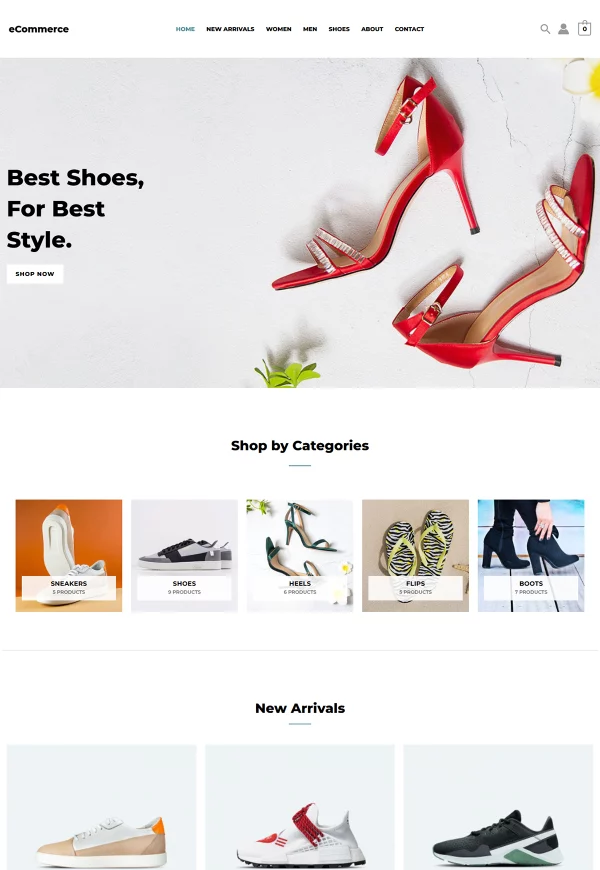
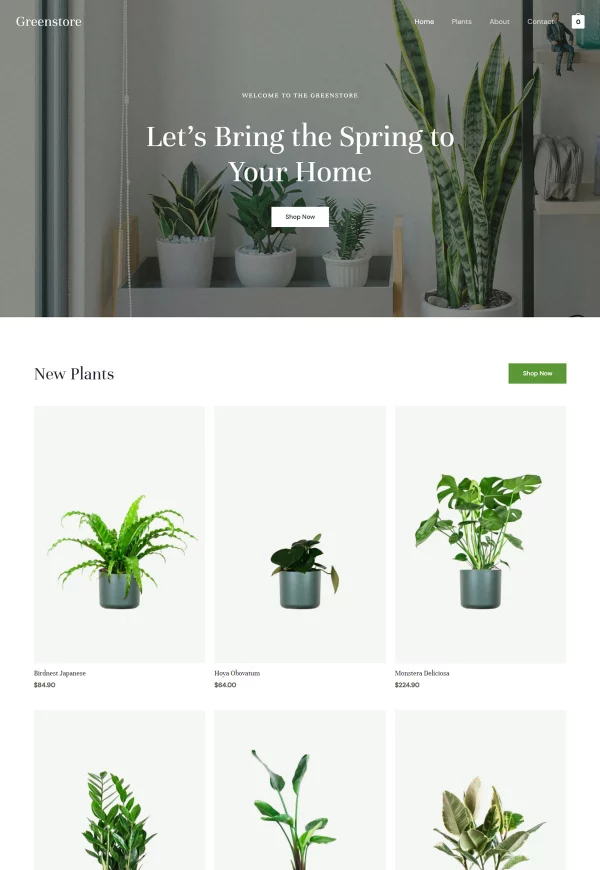
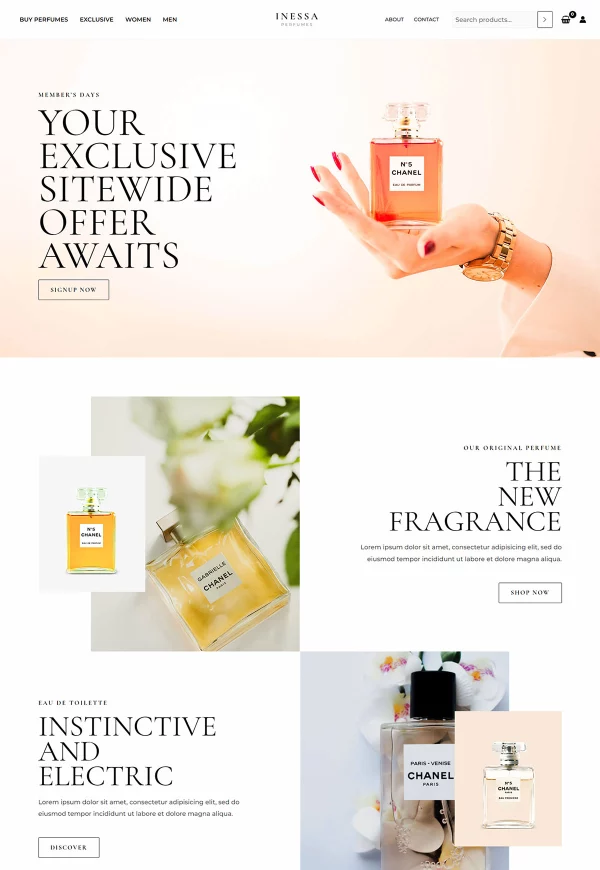
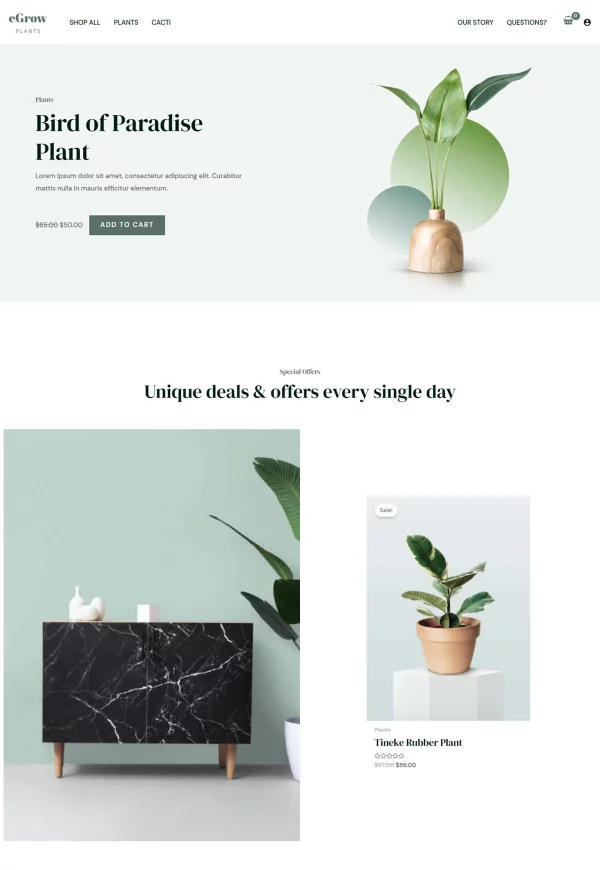
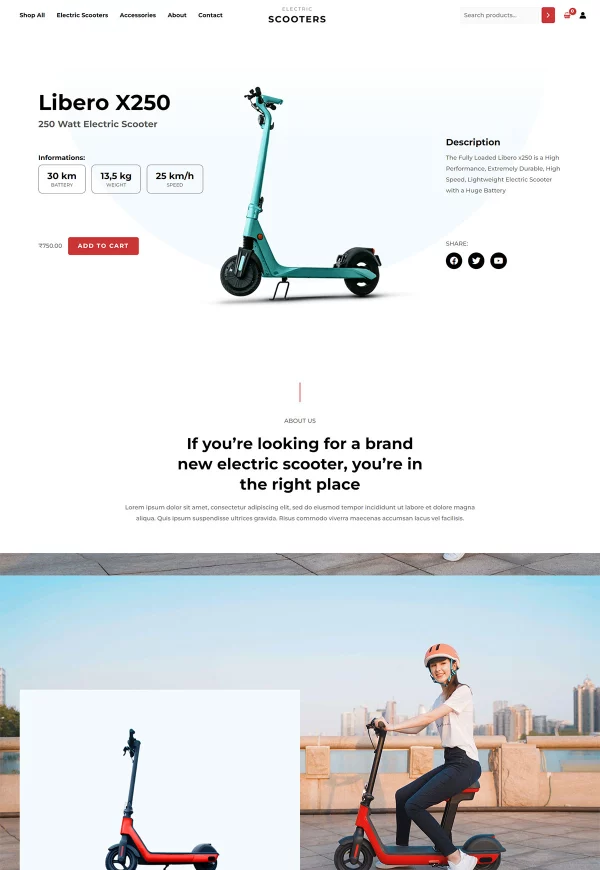
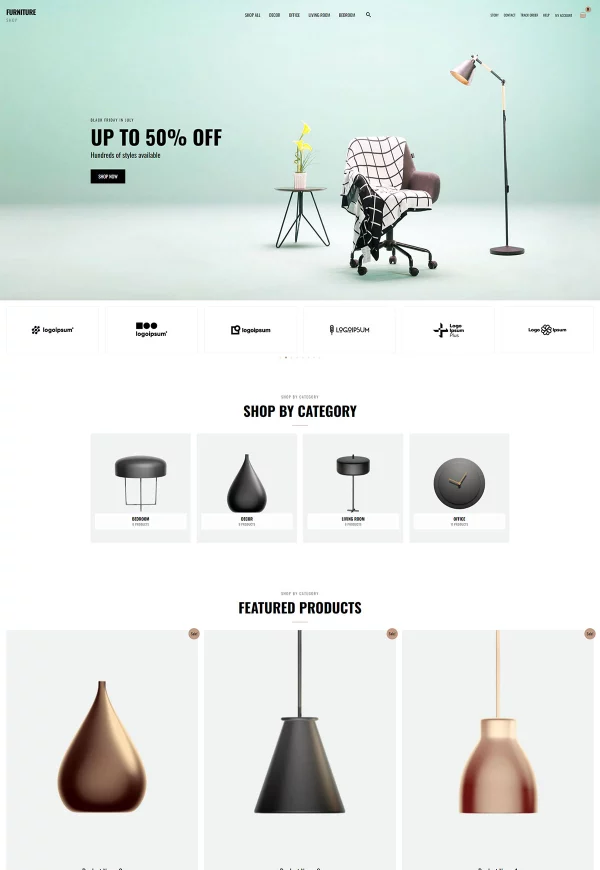
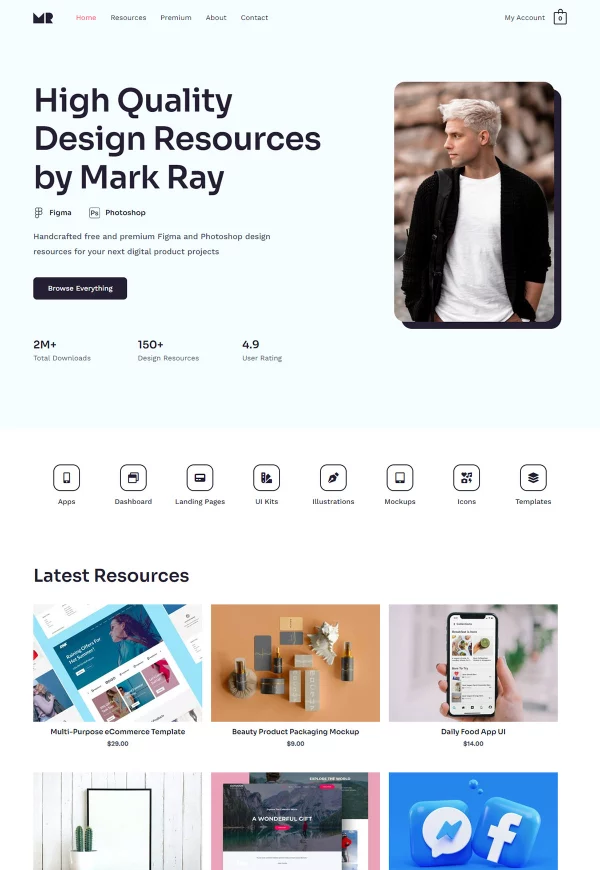
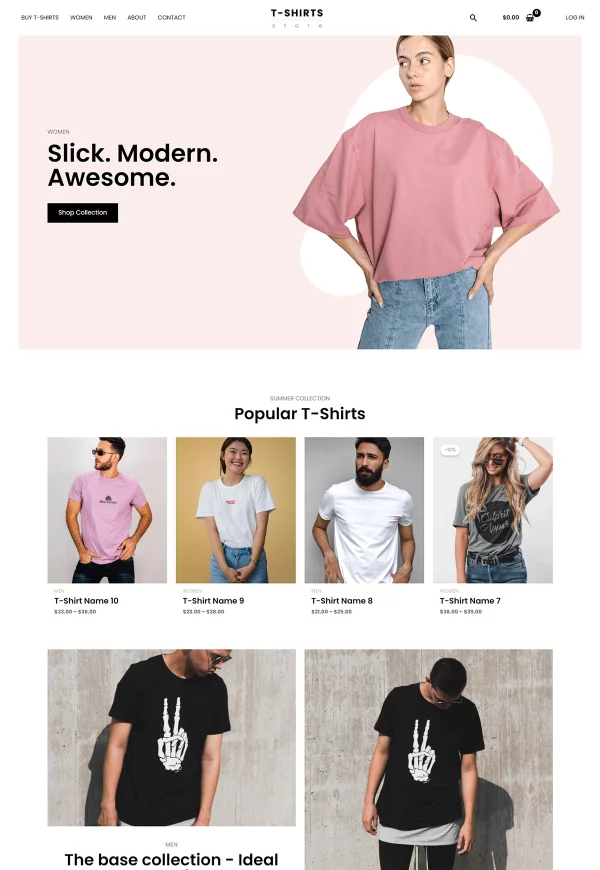
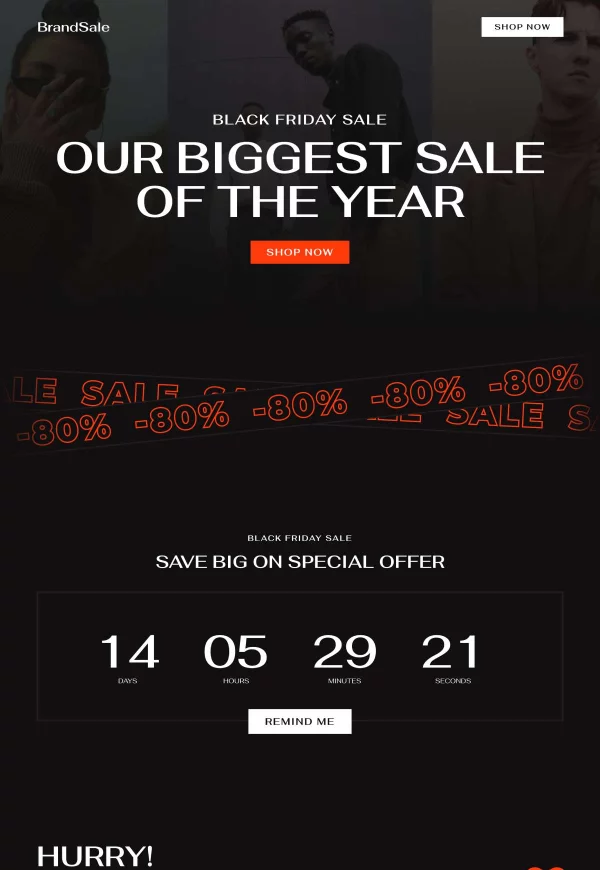
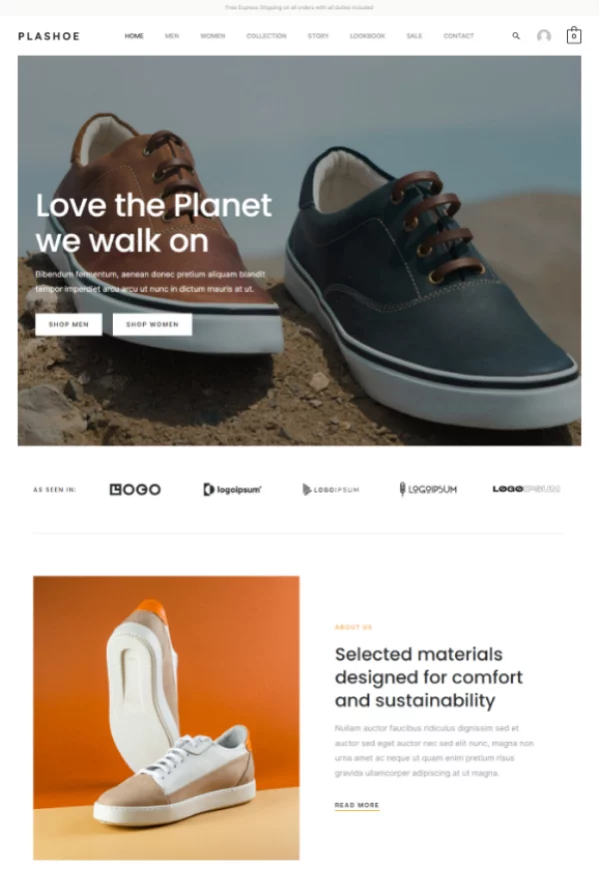
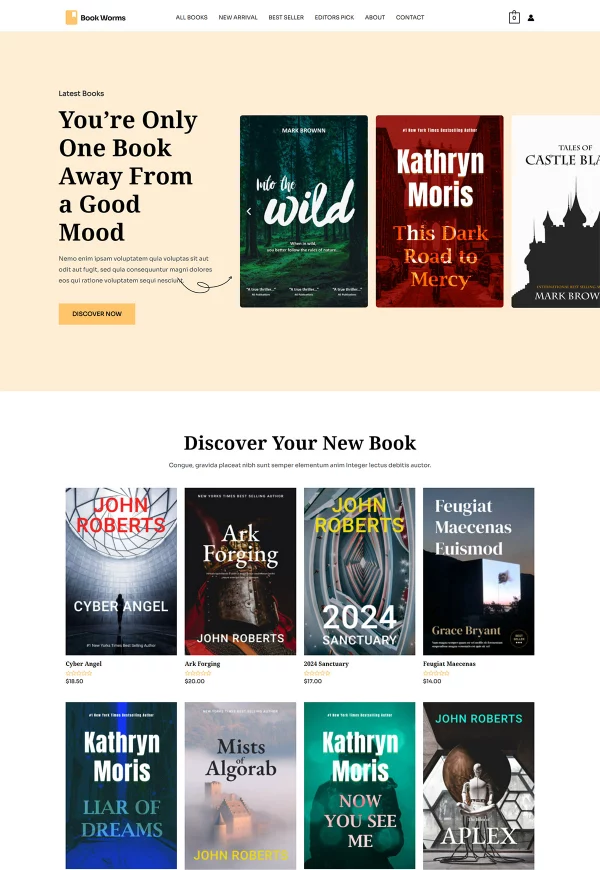
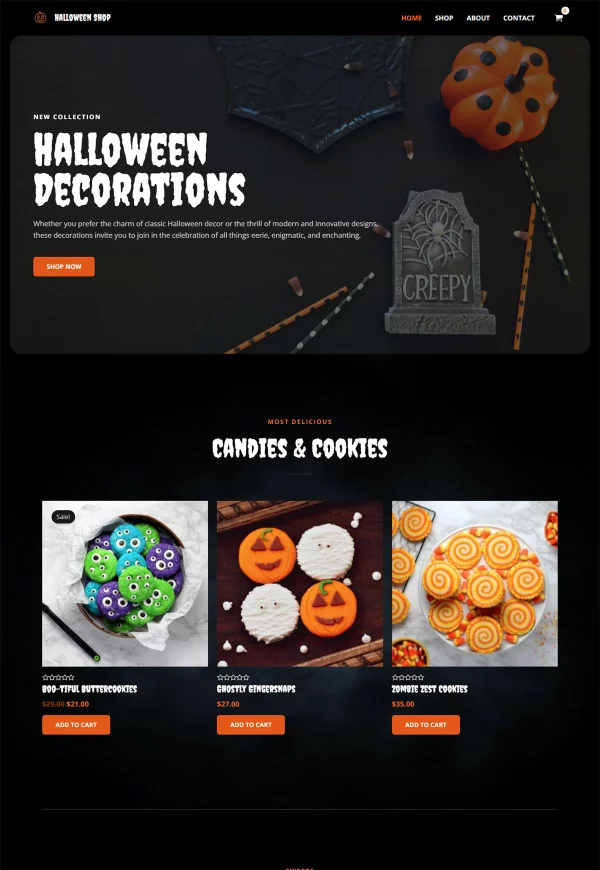
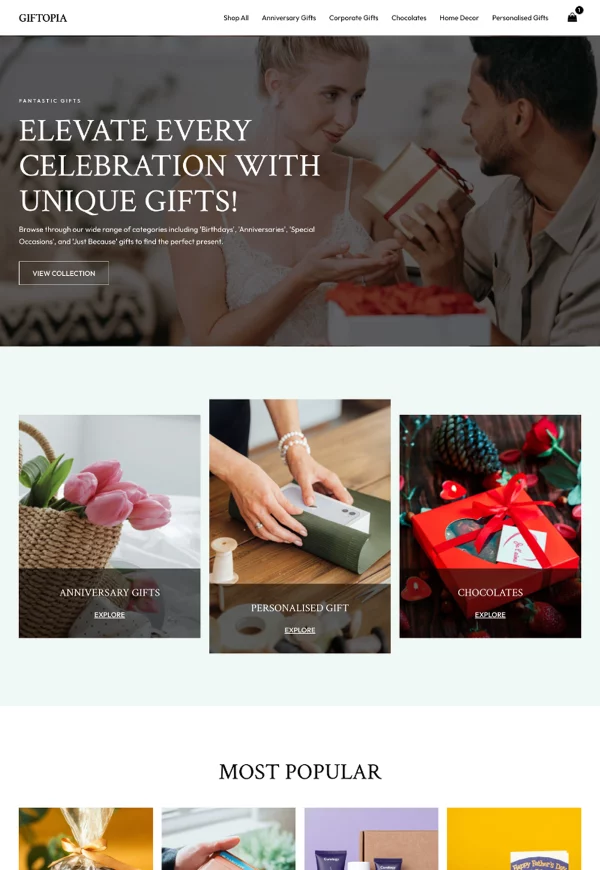
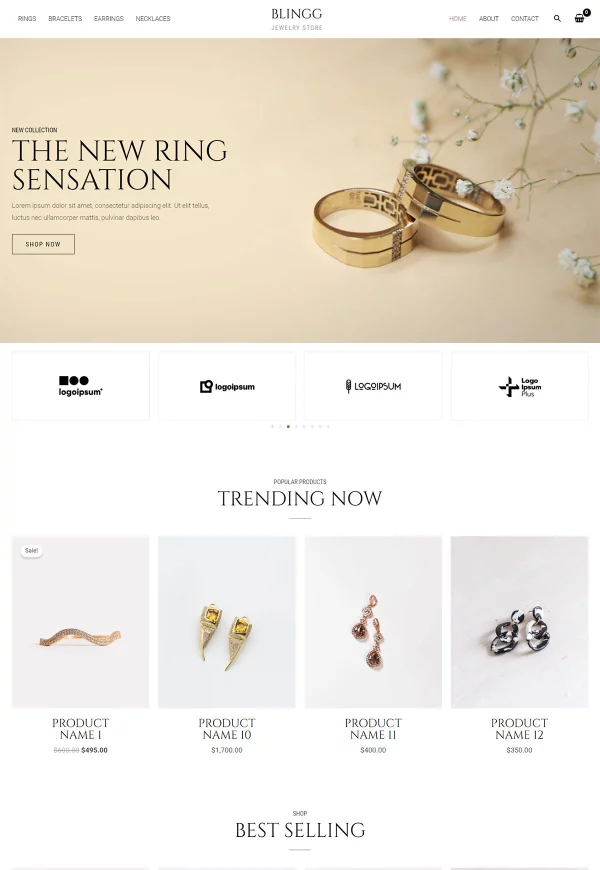
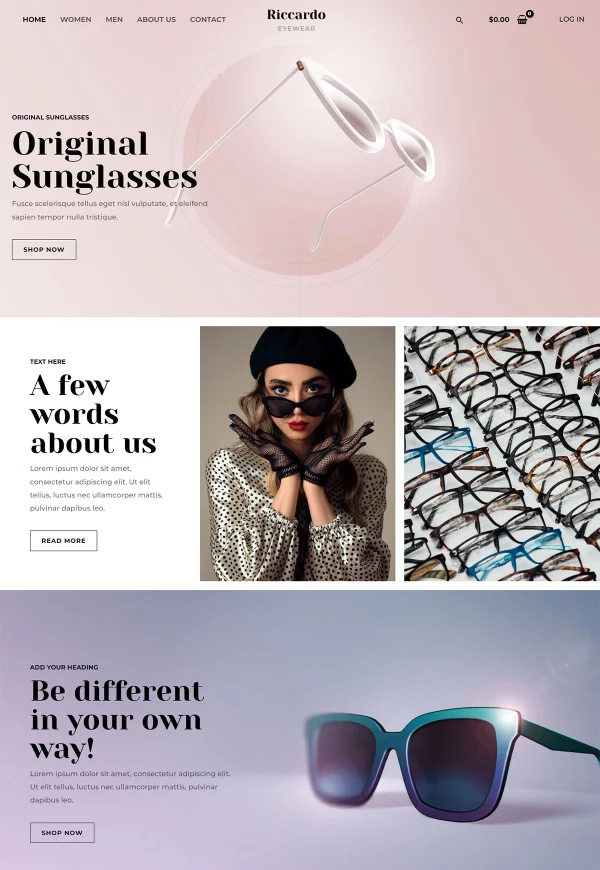
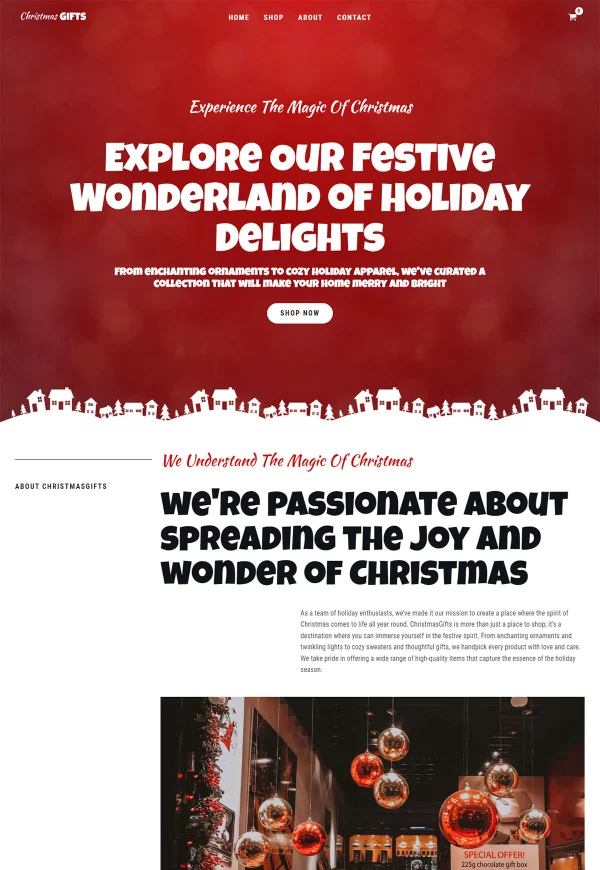
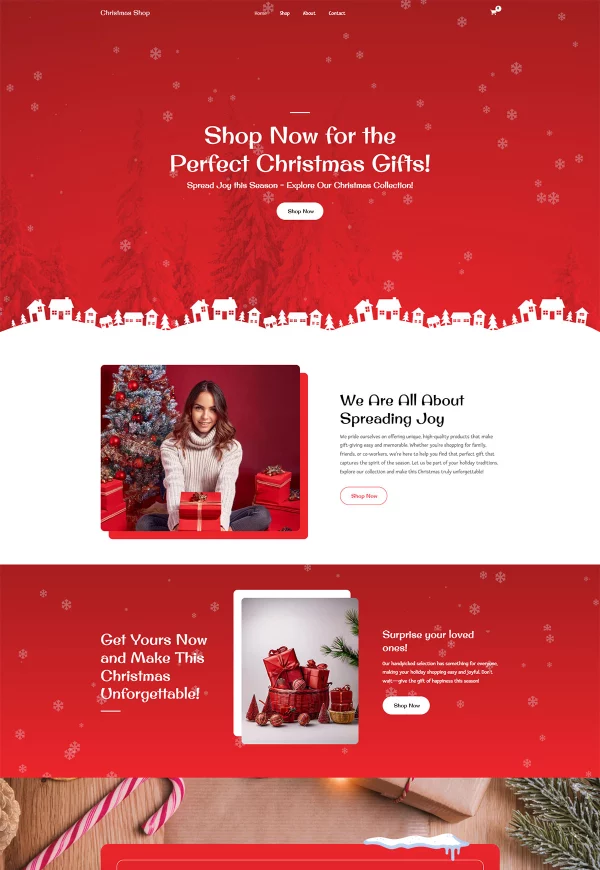
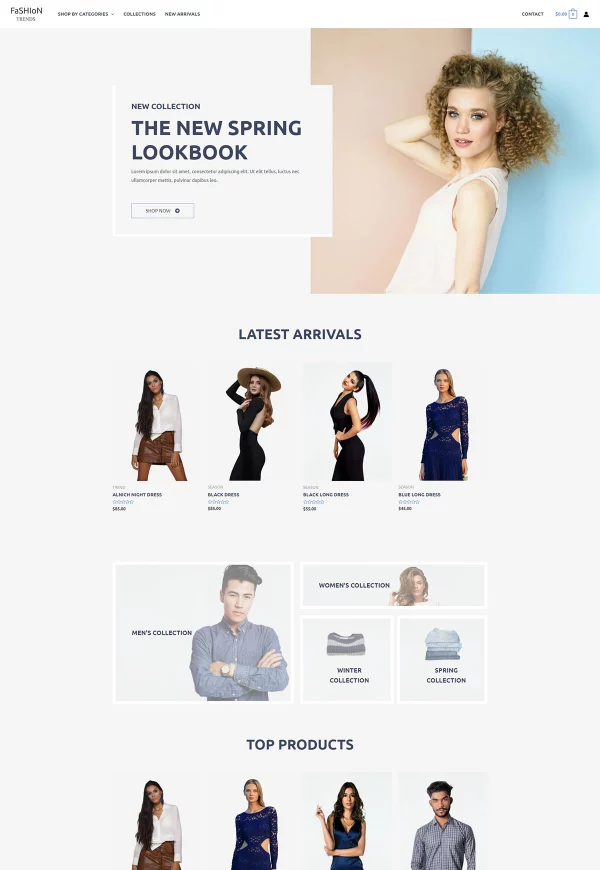
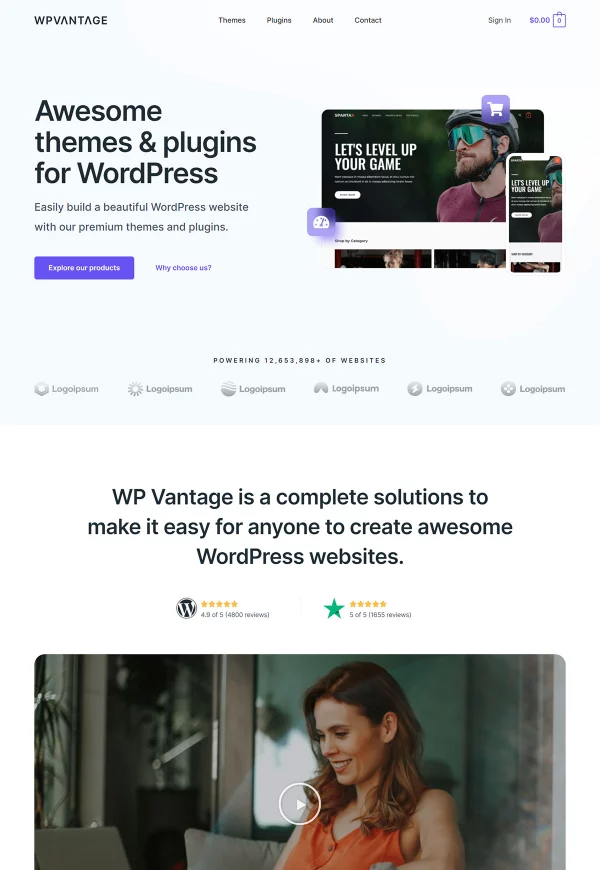
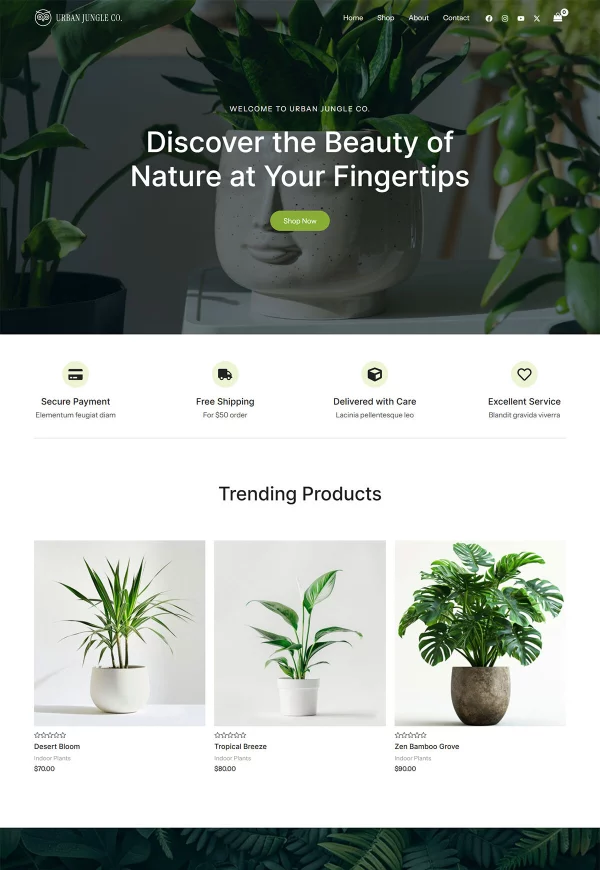
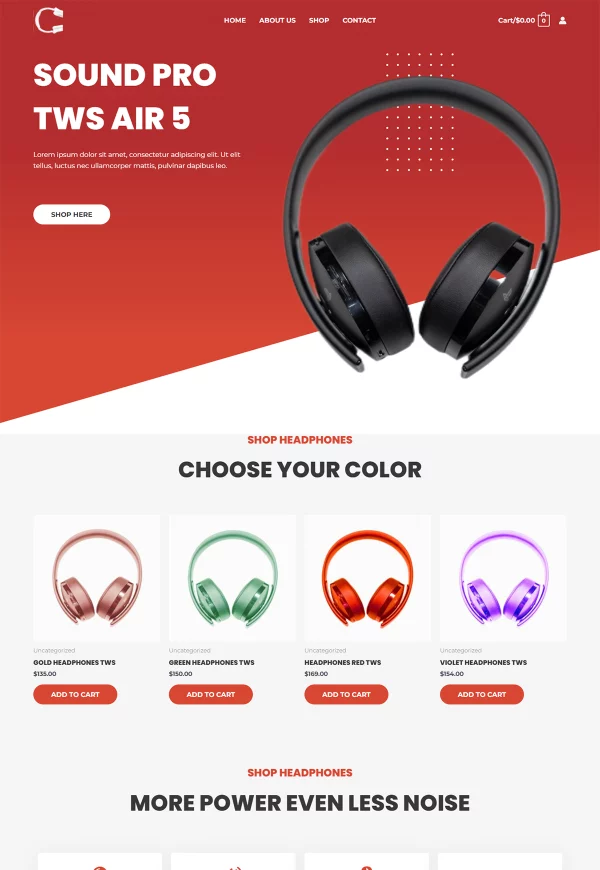
Don't see your industry? The same structure can be applied to any product line — just say the word and we'll produce a version for your industry.

