

WordPress 6.7 shipped in November 2024. For export sites, the three changes that matter most are the editor's zoom-out view, the improved data view and the new default theme, Twenty Twenty-Five. By 2026 these capabilities have carried over into later releases. Upgrading is not complicated. What actually takes effort is the backup before you start, plus checking speed and inquiry forms afterwards.
Which WordPress 6.7 features matter to an export site?
The 6.7 update focuses on three things: less work when editing, lighter themes, clearer content management. For a team that uploads products and edits landing pages every day, those changes matter more than the version number.
Here is what you can actually put to use:
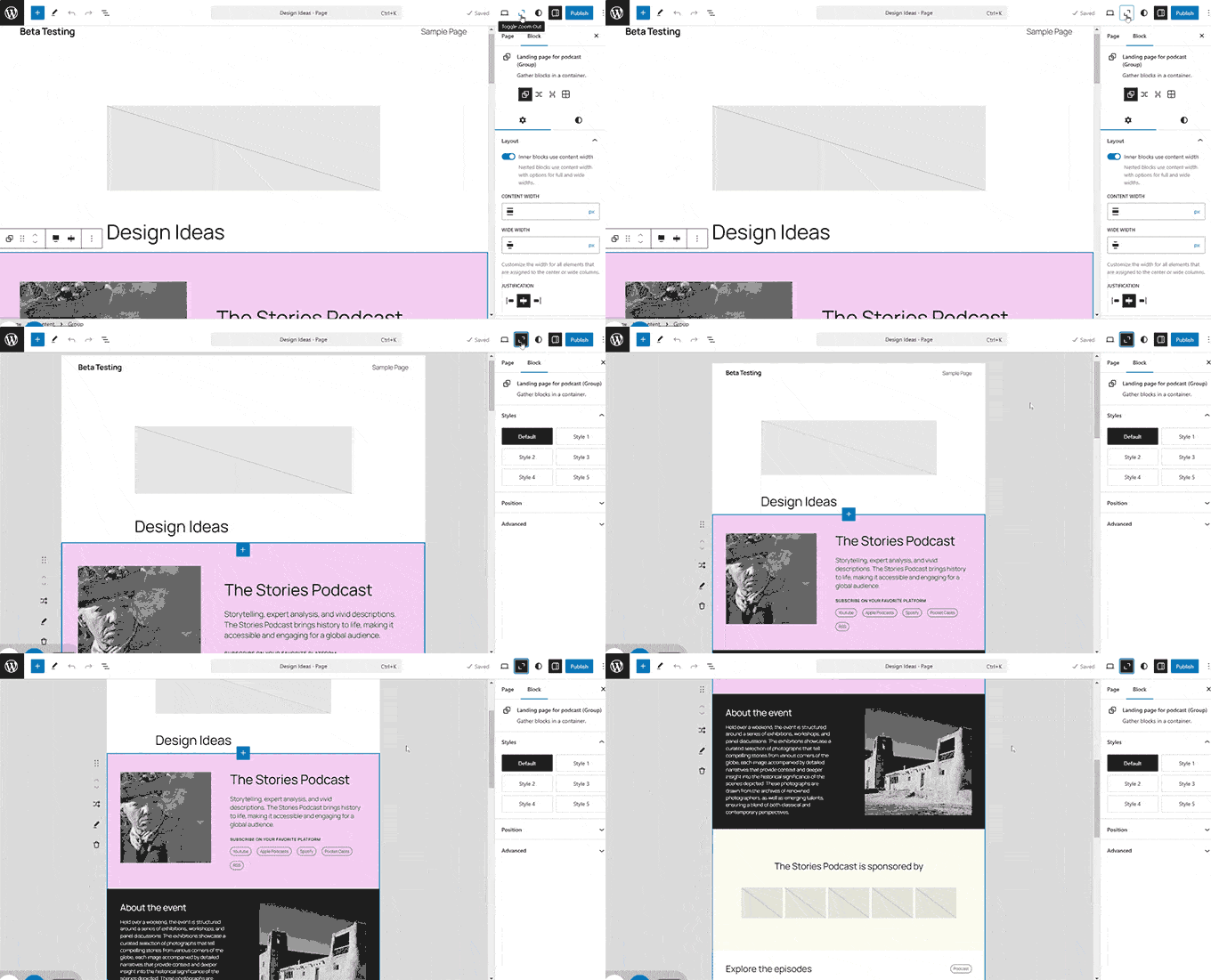
- Zoom Out: long pages switch to a bird's-eye view so you can check the whole layout without scrolling back and forth.
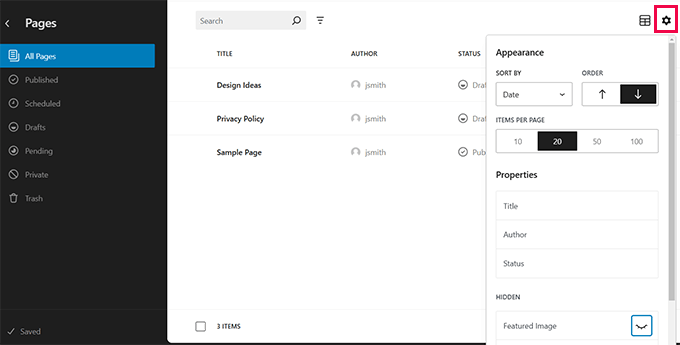
- Improved data view: manage pages and templates straight from the editor, with clearer filtering and bulk actions.
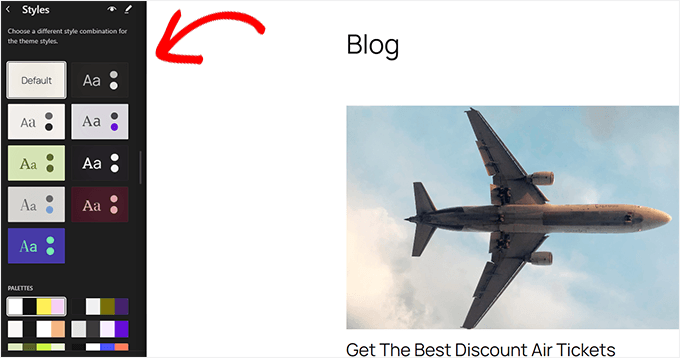
- Twenty Twenty-Five default theme: lightweight and responsive; colours, fonts and layouts change in a few clicks.
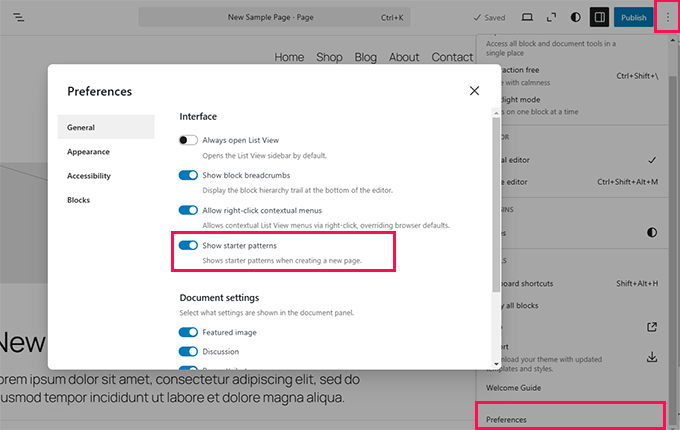
- Block and pattern refinements: the pattern panel opens in zoom-out view automatically, so picking a layout is faster.
- Navigation and accessibility improvements: the site editor and content editor feel more consistent, so new colleagues get up to speed sooner.
In one sentence: 6.7 is not a rebuild-your-site release. It fixes the daily grind of editing pages.
Is Twenty Twenty-Five right for a company website?
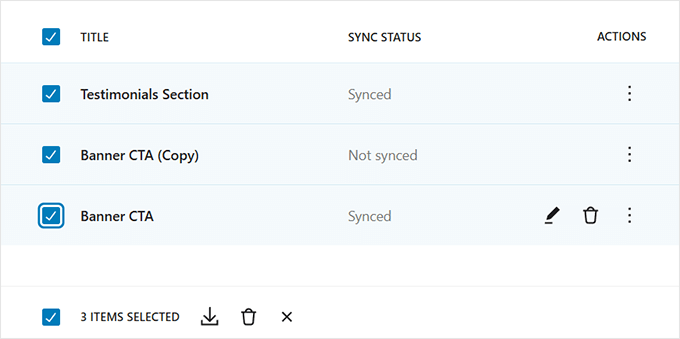
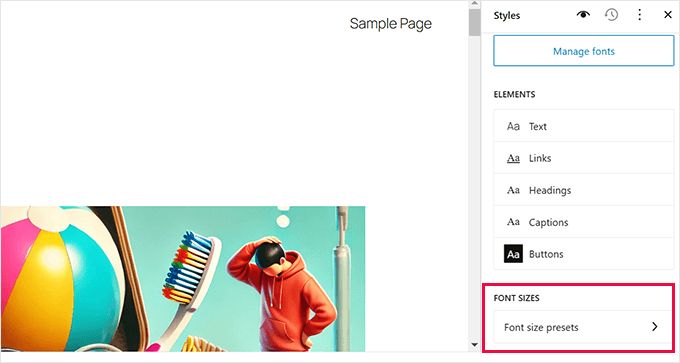
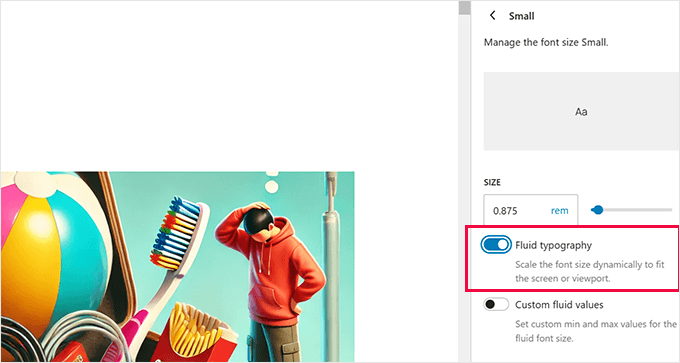
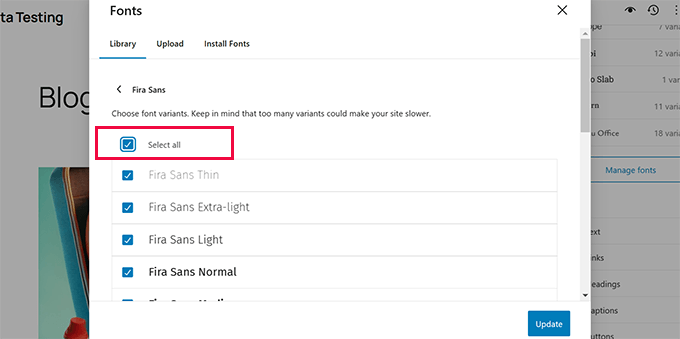
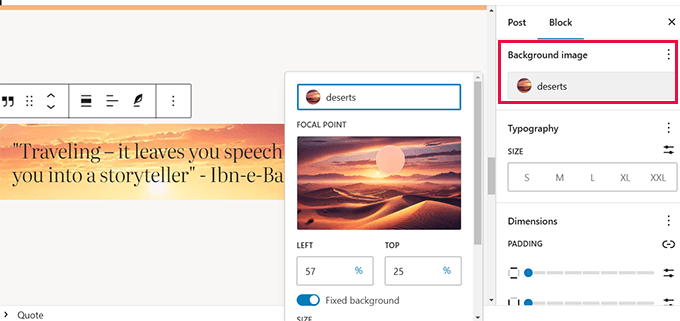
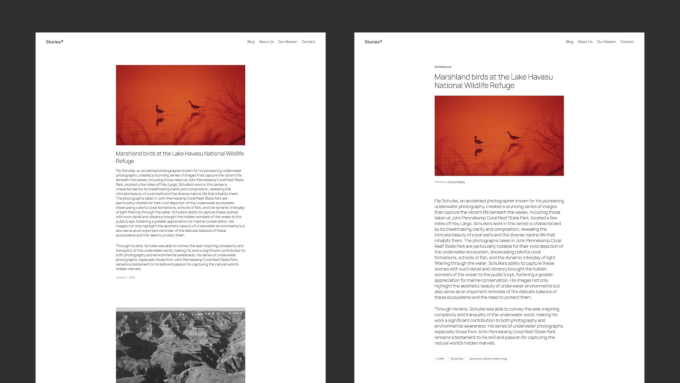
Twenty Twenty-Five is built for blogs, not corporate sites. Its typography is clean and it loads light, but out of the box it has no product spec tables, no inquiry entry point, and no structure for multiple languages.
| Site type | Recommended? | Why |
|---|---|---|
| Industry news and case study blog sections | Yes | Clean typography, quick to restyle colours and fonts, good for steady content |
| 5–30 page B2B showcase site | Usable, but needs work | You must add product spec tables, MOQ and inquiry form blocks yourself |
| Multilingual, multi-SKU store | No | Product structures and multi-currency are easier on a store-focused setup |
If your site is built around products and inquiries — a standard B2B export website — Twenty Twenty-Five works better as the skin for your content section. For the main site, pick a fuller theme or a custom build.
The test is simple: your homepage has three seconds to say who you are and what problem you solve. If the default blog layout cannot do that, change it.
How do zoom-out and data view save half an hour a day?
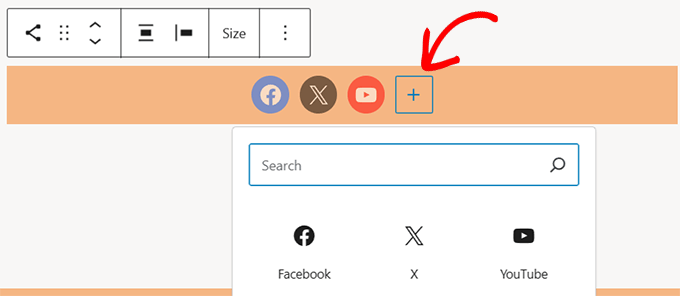
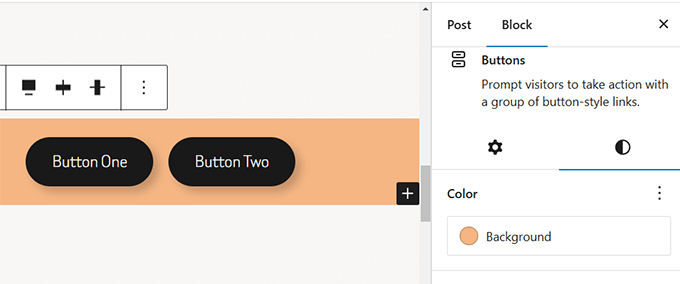
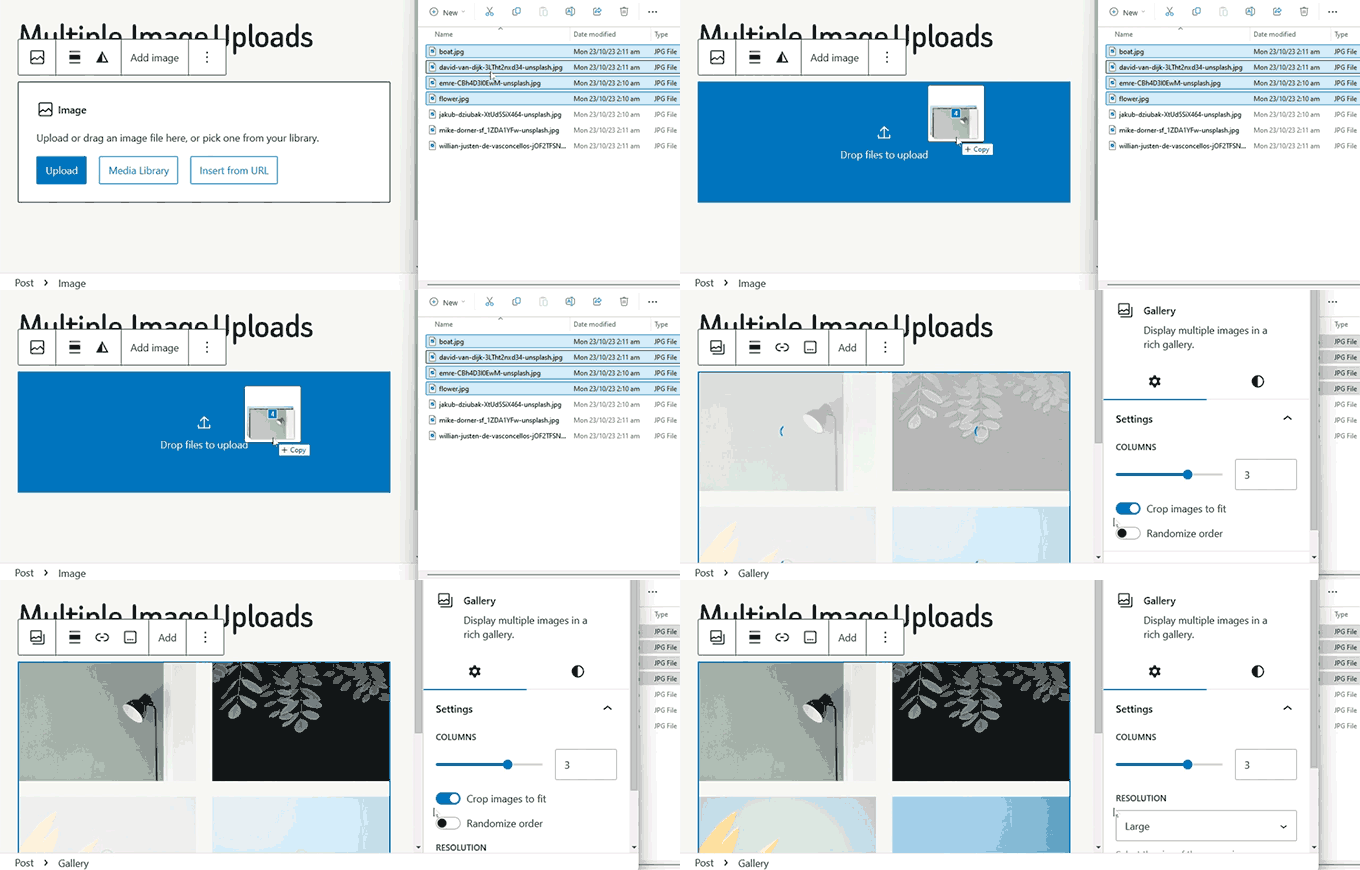
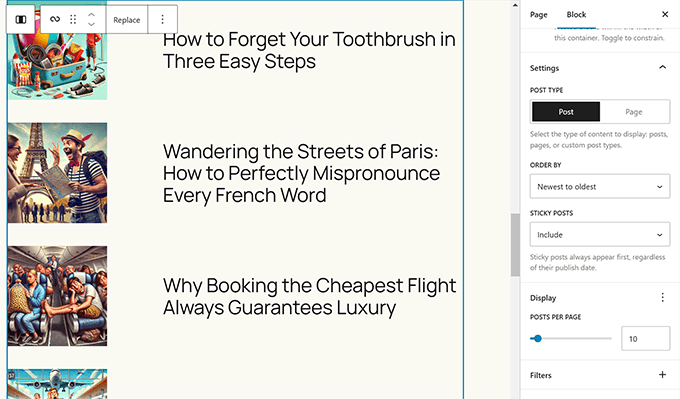
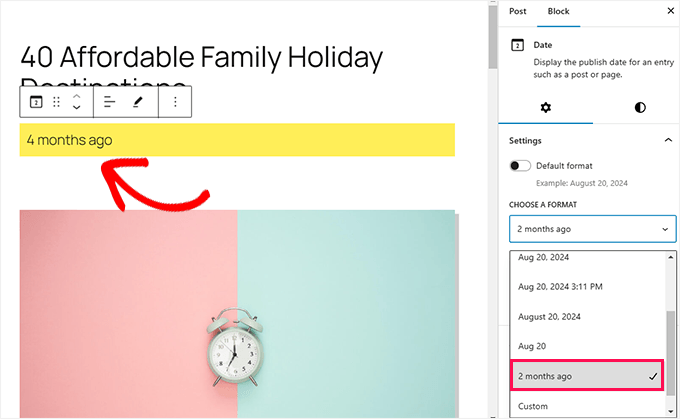
Editing the homepage eats the most time. Adding a product category block used to mean scrolling up and down a dozen times, then worrying you put it in the wrong place.
With zoom-out view, the workflow becomes:
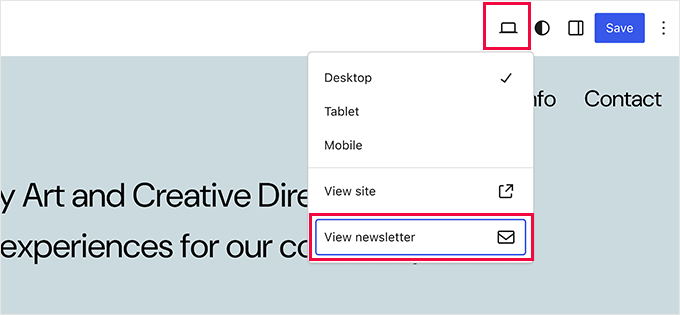
- Open the page you want to change and click the zoom-out button in the top-right toolbar.
- The whole page shrinks to a bird's-eye view — drag blocks into position.
- Switch back to normal view to edit copy, swap images and adjust spacing.
- Check the mobile preview, then publish.
Data view solves a different problem: when a site has dozens of landing pages, filter by status and handle them in bulk instead of jumping between the admin list and the editor. Sales staff can update banners and categories themselves instead of queueing for the developer.
Will the site slow down after upgrading to 6.7? How do you protect Core Web Vitals?
The 6.7 editor is built on native Gutenberg and is friendly to performance. What actually slows down an export site is page builders and third-party scripts, not this version.
| Metric | Good threshold | Common export site problem |
|---|---|---|
| LCP | ≤ 2.5 seconds | Hero uses a large CSS background image, so the browser finds it late |
| INP | ≤ 200 milliseconds | GA4, Meta Pixel, live chat and popups all load at once |
| CLS | ≤ 0.1 | Images have no width or height, so the page jumps while loading |
Three moves you can make right now: turn the hero image into an img tag with fetchpriority="high"; hard-code width and height on every image; defer third-party scripts until the user's first interaction (touchstart, scroll, mousemove).
Page builders differ widely in INP cost. From worst to best, roughly: Elementor, Divi, WPBakery, then native Gutenberg. There is a real migration case: a 30-page site moved from Elementor to Bricks, INP dropped from 290ms to 110ms and LCP from 3.4s to 1.9s.
One warning: Core Web Vitals runs on a rolling 28-day window of real user data, so changes take about 4 weeks to appear in Search Console. When mobile loads take longer than 3 seconds, roughly 53% of users leave. A slow site, low traffic and few inquiries are usually the same problem — work through why your export site gets no traffic or inquiries item by item.
5 things you must do before upgrading

Many sites jump several versions at once, which carries more risk than a minor update. Follow the steps and you will hit fewer problems.
- Back up the database and the wp-content directory in full, and download a copy of the backup locally.
- Upgrade on a staging site first, then walk through the homepage, a product page and the inquiry form.
- Confirm your theme and key plugins (forms, SEO, caching, multilingual) are compatible with the current version.
- Clear the cache after upgrading, open the homepage on a phone over 4G, and check load speed and layout.
- Watch inquiry emails and form records for a week to make sure no lead is lost.
If the upgrade creates too many problems, or your hosting environment is too old, migrating to new hosting is often faster than patching. The steps are in how to migrate a WordPress site to another host. Also, editor updates often let spam flood comments and forms — handling spam inquiries and comments in WordPress has the full checklist.
FAQ
Do I still need to upgrade to WordPress 6.7?
Yes. The security patches and editor improvements from 6.7 have been merged into later versions. Staying on an old version long term makes plugin compatibility and security risks worse. Back up first, then upgrade.
What if the site goes down or the layout breaks after upgrading?
Restore the backup first, then deactivate plugins one by one to find the conflict. Most often it is an outdated caching plugin or page builder. An incompatible theme can also break the layout — switching back to the previous theme confirms it.
Can I use Twenty Twenty-Five directly as my export site?
For a content section, yes. For the main site, it needs work. It is a blog layout by default and lacks product spec tables, MOQ display and inquiry modules, so you have to add blocks yourself or pick a fuller solution.
Do the editor changes in 6.7 affect Google indexing?
Not directly. Google looks at whether pages can be crawled, whether they load fast enough, and whether the content answers the question. The editor is only a production tool — clean HTML output is what counts.