

Google Search Console belongs on every export site, installed on day one. It is free, and it tells you which pages Google crawled, which keywords bring inquiries, and which technical issues are blocking indexing. Verifying a domain takes about 20 minutes. After that, 30 minutes a week across three reports is enough to pin down most organic traffic problems.
AI Search Steals Clicks in 2026 — Is GSC Still Worth Watching?
Yes, and more than in 2025. Google I/O 2026 put AI Mode at roughly 1 billion monthly active users, and AI Overviews now answer many informational queries right at the top. Pew Research measured it: when an AI summary appears, about 8% of users click a traditional result; without one, about 15%. Ahrefs data shows the same pattern — queries with an AI Overview see about a 34.5% drop in click-through rate at position one.
But the ranking logic hasn't changed. Google has stated clearly that appearing in AI Overviews and AI Mode needs no extra structured data, special files, or Markdown — "good SEO is good GEO." AI simply summarizes pages that already rank. Whether your pages can be crawled and indexed is still decided by those GSC reports. For the full breakdown of ranking factors, see Google's latest ranking algorithm.
One easily missed point: Ahrefs research from March 2026 found that only 37.9% of URLs cited in AI Overviews also appeared in the top 10 organic results for that query (about 76% in July 2025), and another 31% ranked outside the top 100. Rankings alone aren't enough — you also need to confirm pages aren't limited by nosnippet, max-snippet, or data-nosnippet. The GSC "Search generative AI" toggle opens to everyone by August 31, 2026 and is set to include by default. Don't switch it off manually.
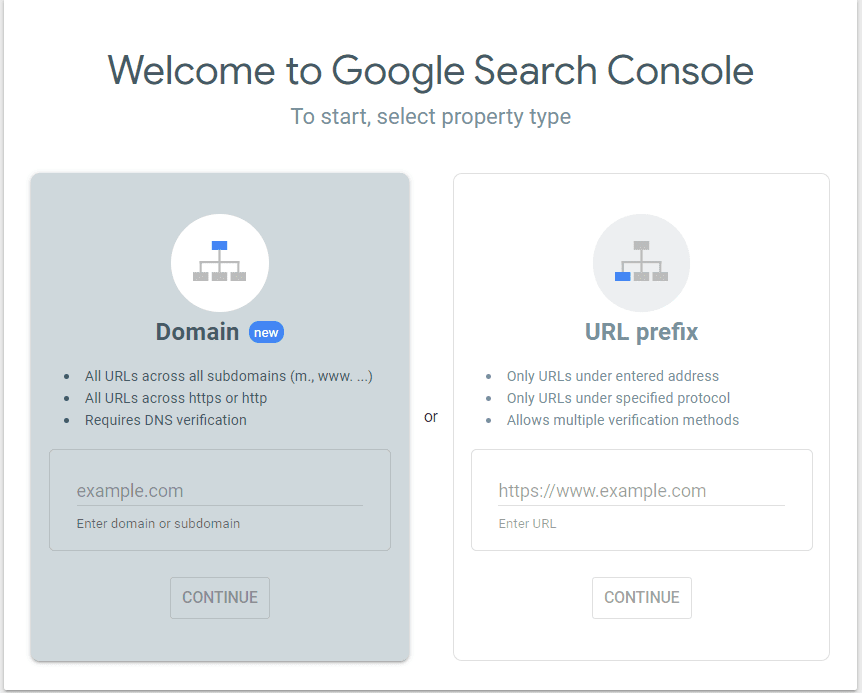
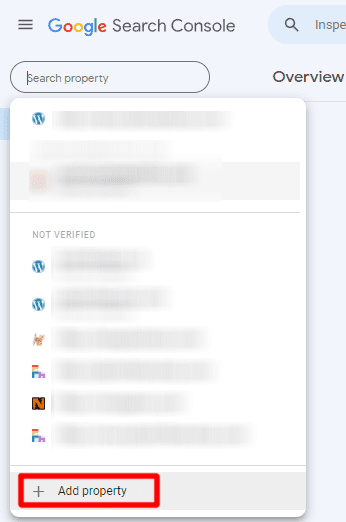
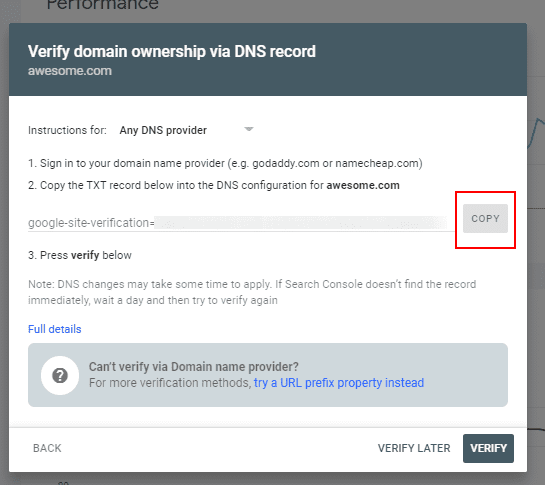
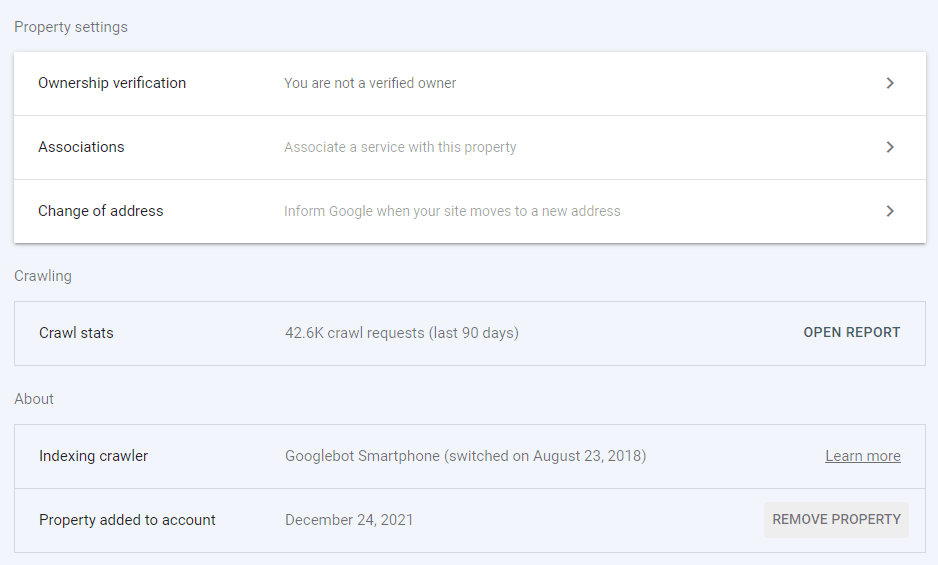
Verifying an Export Site: Which of the Four Methods Is Fastest?
After you log in and enter your domain, GSC asks you to pick a verification method. Choose wrong here and every server move or DNS change breaks verification, cutting your data off. Here is how the four compare:
| Method | Time needed | Best for | Watch out for |
|---|---|---|---|
| Domain property + DNS TXT record | 5–30 minutes, depending on DNS propagation | Owners and SOHO sellers with domain admin access | Covers www and every subdomain at once — most stable long term |
| HTML file upload | About 5 minutes | Techs with server or FTP access | The file is lost when you change servers and must be uploaded again |
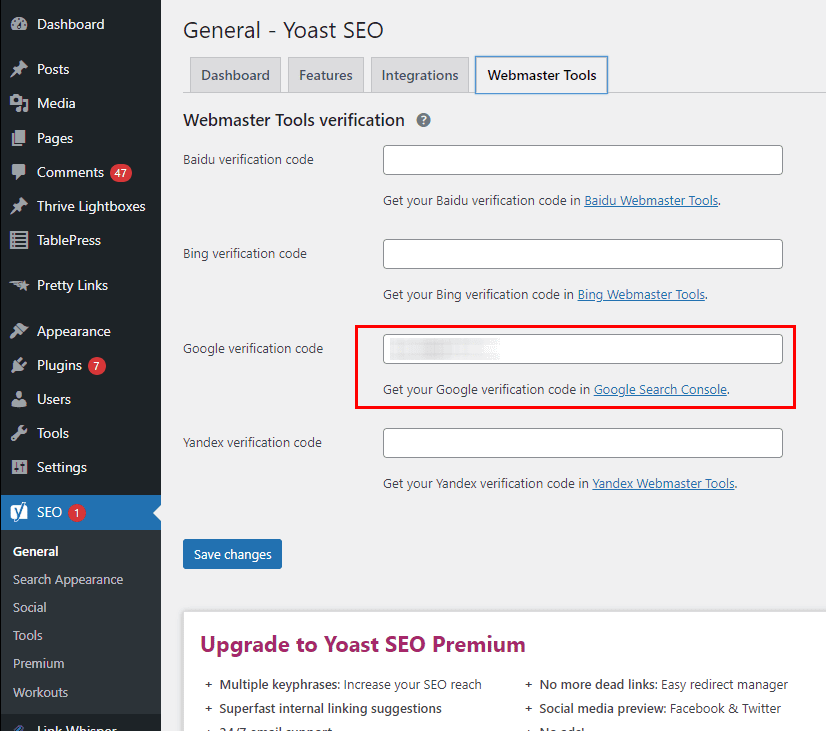
| HTML tag | About 3 minutes | WordPress users | Paste it into the "Webmaster tools" field in Yoast SEO |
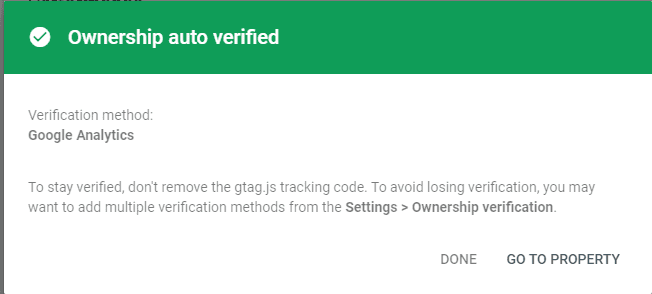
| Google Analytics / Tag Manager | About 2 minutes | Sites already running GA4 or GTM | Verification drops if the tracking code is deleted |
WordPress users get there fastest with the HTML tag — see the Yoast SEO tutorial for exactly where to paste it and save. Companies planning to run their own site long term should go straight to a domain property plus DNS record and settle it once. After verification succeeds, don't rush to look for data. GSC usually needs about a week before reports become usable.
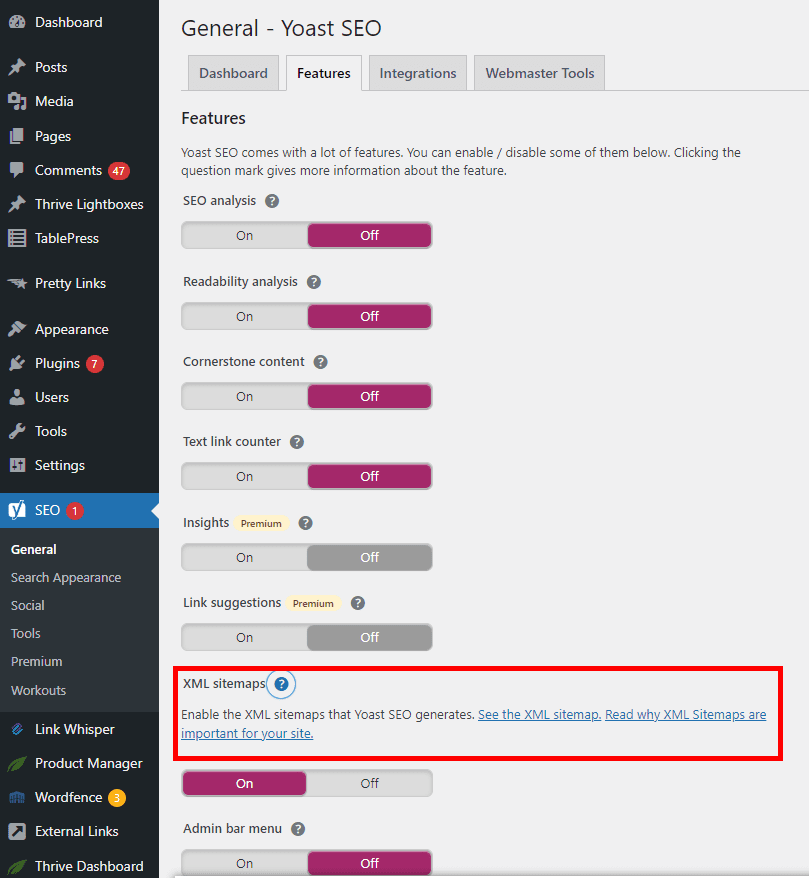
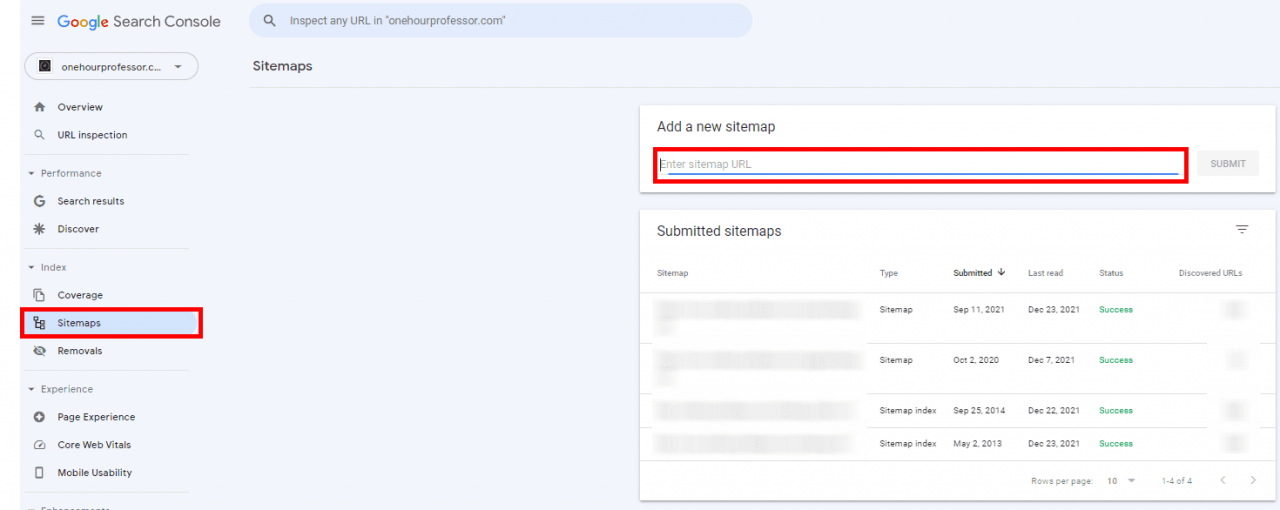
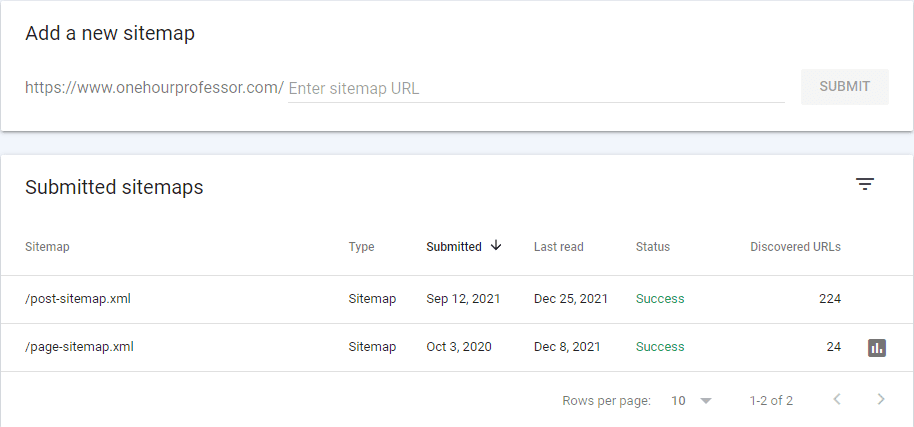
Don't leave that week empty. Submit your XML sitemap and Google will discover and index new pages noticeably faster. The address is usually yourdomain.com/sitemap.xml — if it opens in a browser, it exists.
After the Sitemap: Which Four Reports Matter in the First 30 Days?
The left sidebar holds a dozen-plus reports. Newcomers don't need them all — that is how you get confused. In the first 30 days, these four, in this order, are enough:
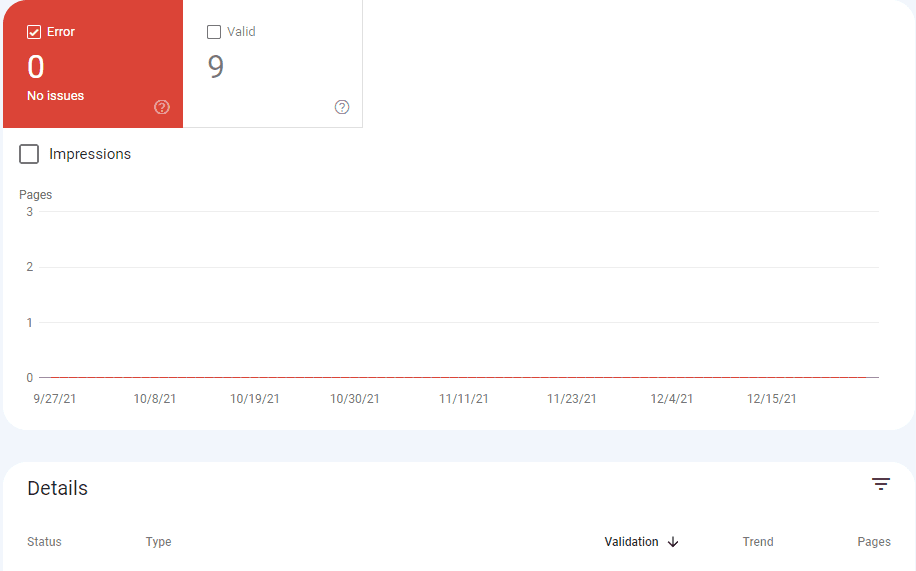
- Indexing → Pages: Check the ratio of "Indexed" to "Not indexed." "Discovered – currently not indexed" usually means the page content is too thin or internal links are missing.
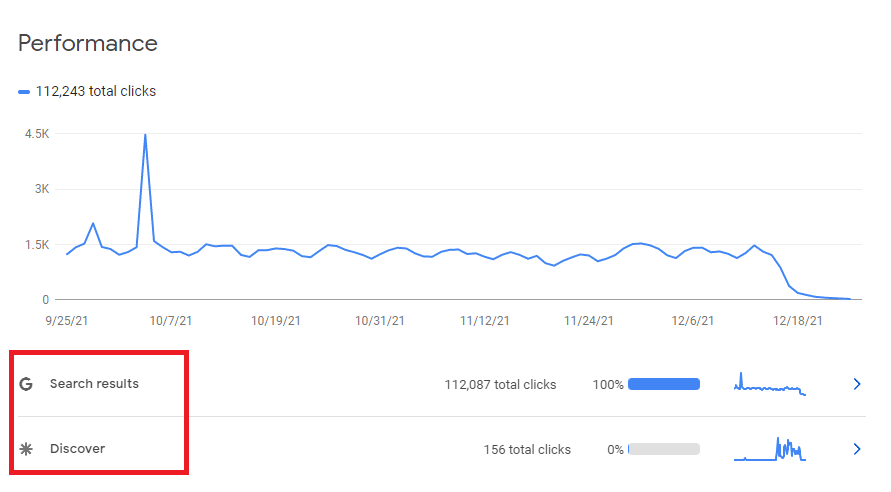
- Performance report: Slice by query, page, and country. For export sites, country matters most — it shows which market inquiries come from and which language to push.
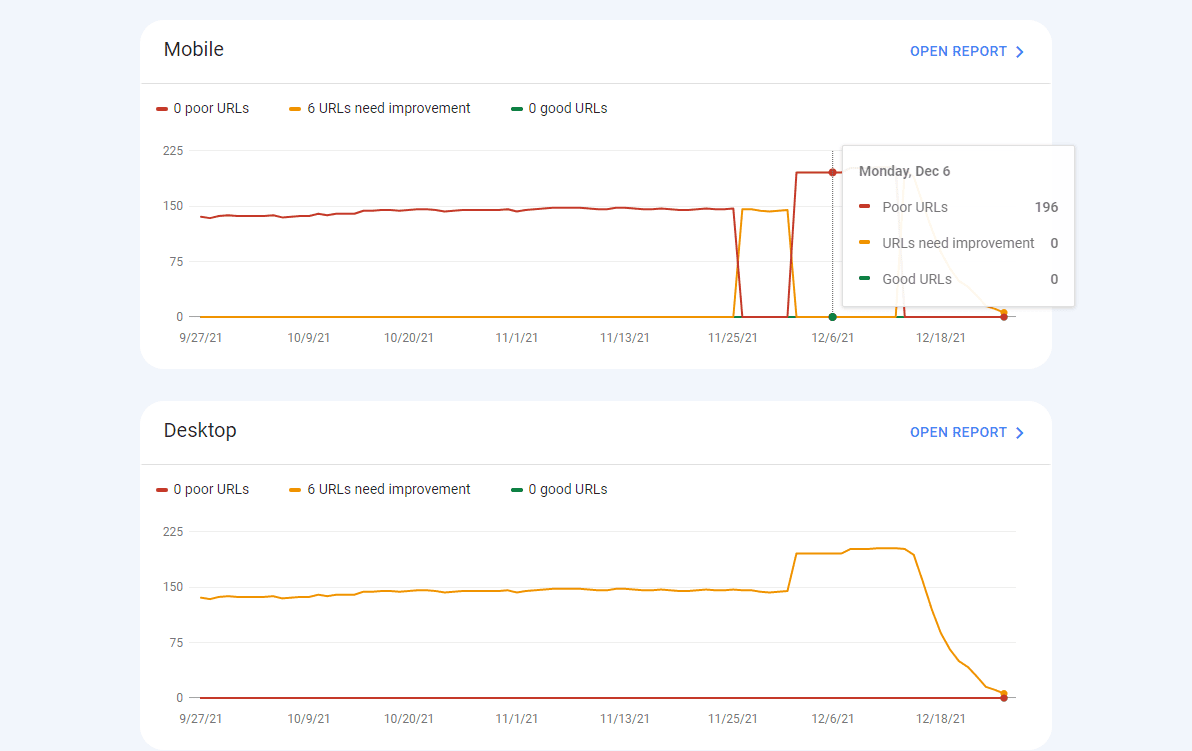
- Experience → Core Web Vitals: Check mobile and desktop separately. Fix mobile first; most overseas buyers see your first screen on a phone.
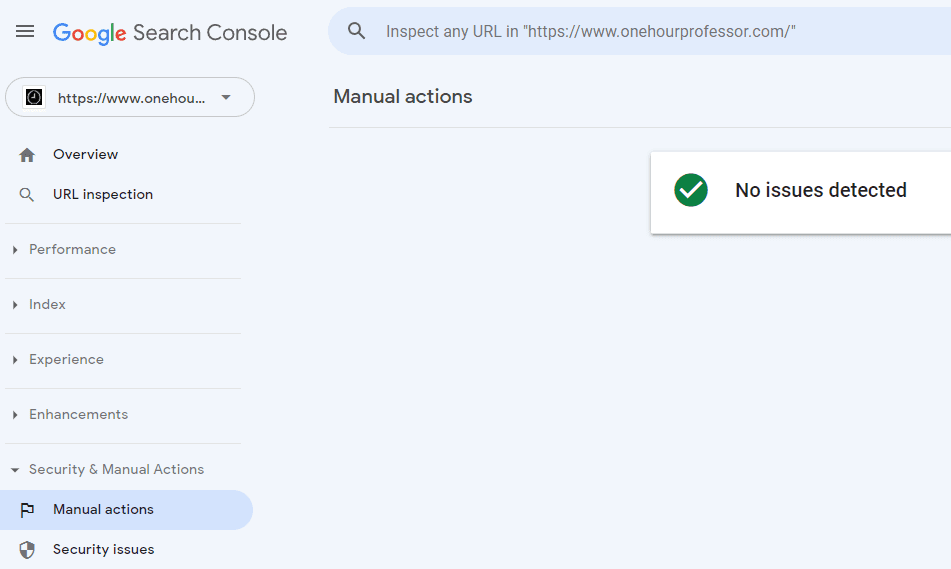
- Security & Manual actions: Red text here needs same-day action. A manual action means organic traffic drops to zero.
Compare the performance report week over week, not day over day. Single-day swings are noise. If your site has no analytics yet, start with one sitemap generator from 19 free Google SEO tools, then add a page speed test tool.
When a large batch of product pages shows "Crawled – currently not indexed," check three things first: does each page have a unique title and spec description, do category pages link through to detail pages, and is the template outputting duplicate meta. After fixing, submit the URL once in URL Inspection and wait for the re-crawl.
Which Core Web Vitals Metric Should You Fix First?
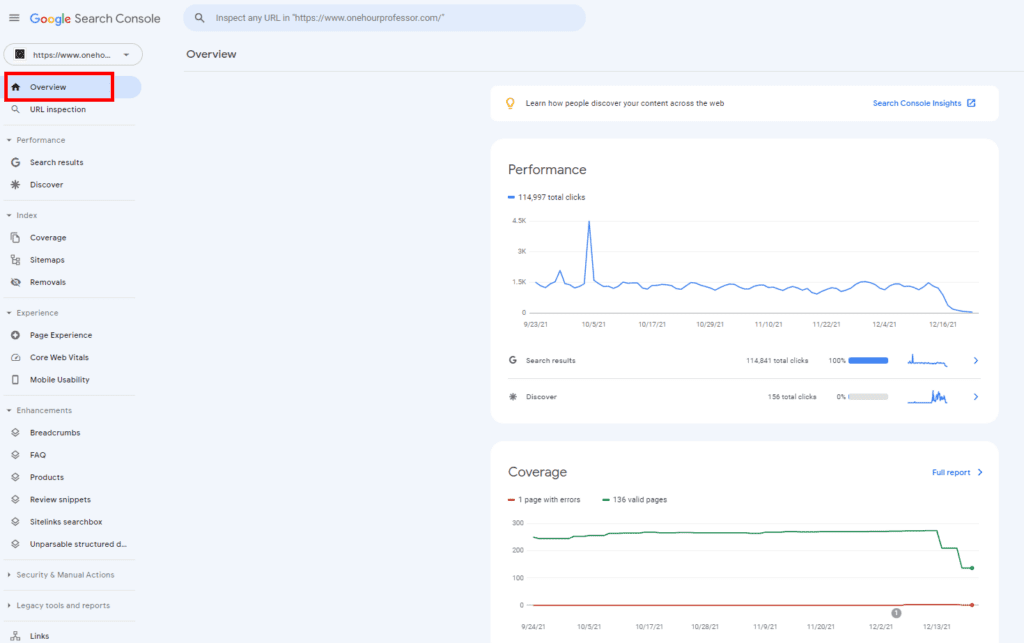
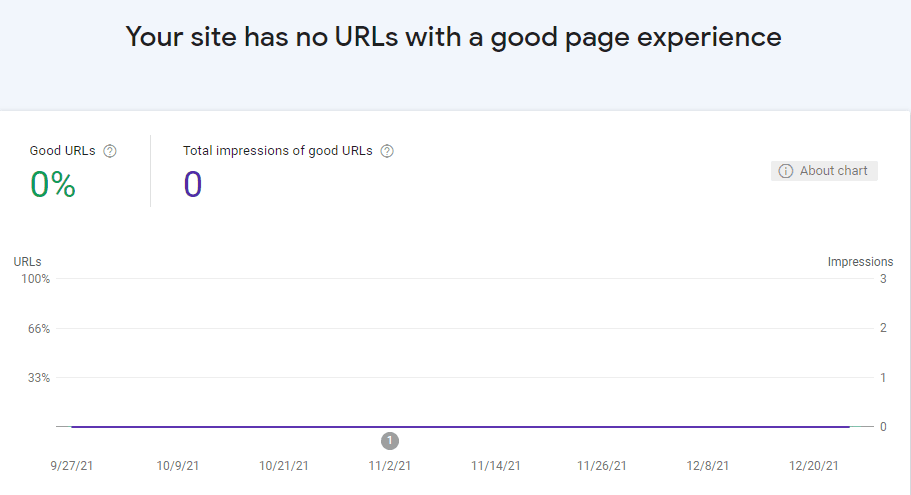
The page experience report grades every URL as Good, Needs improvement, or Poor. In 2026 the passing line is still the same three metrics, and the fixes are clear:
| Metric | Good threshold | Cheapest fix |
|---|---|---|
| LCP – Largest Contentful Paint | ≤ 2.5 seconds | Load the hero image with an img tag plus fetchpriority="high", not a CSS background-image |
| INP – Interaction to Next Paint | ≤ 200 milliseconds | Delay GA4, Meta Pixel, live chat, and popups until the user's first interaction |
| CLS – Cumulative Layout Shift | ≤ 0.1 | Set explicit width and height on every image |
INP officially replaced FID in March 2024. When INP is poor on an export site, it is almost always the page builder and third-party scripts. One real migration: a 30-page site moved from Elementor to Bricks, cutting INP from 290ms to 110ms and LCP from 3.4s to 1.9s. The migration took about 16 hours. When mobile load time passes 3 seconds, about 53% of users leave immediately — a real cost in inquiries.
Don't run back to GSC for results right away. Core Web Vitals uses a rolling 28-day window of real user data, so changes need 4 weeks to show up in the report. If you want to pull TTFB down first, Cloudflare APO costs about $5/month and caches HTML at the edge, bringing TTFB to 30–80ms.
Planning a redesign? Before you start, read how to redesign a website without losing SEO and map out URLs and template structure. Far easier than patching things up later.
Which GSC Errors Cost You Inquiries Outright?
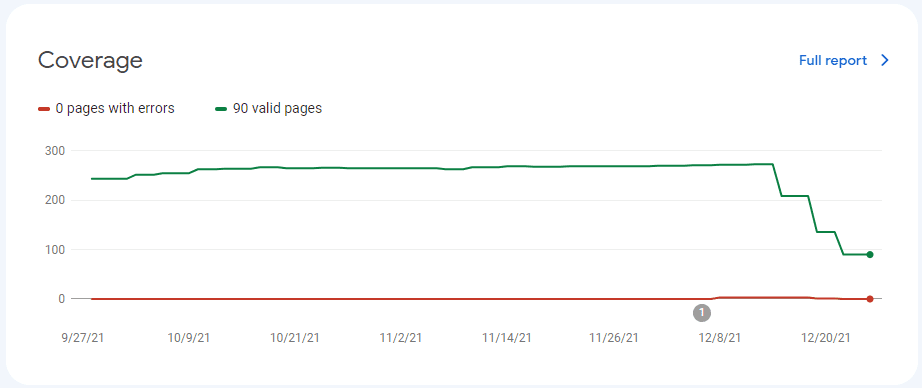
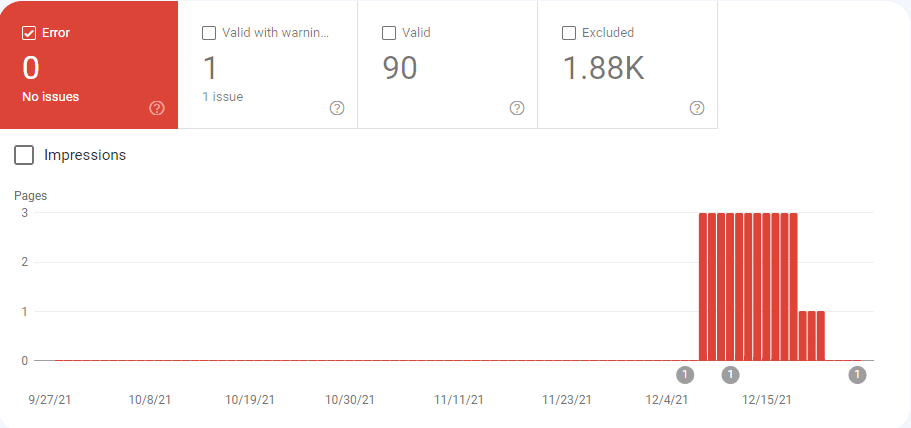
Inquiries on export sites mostly land on product pages. If a product page can't be crawled or indexed, inquiries drop that same day, while the report only shows it two or three days later. Handle these three first:
- 5xx server errors: The server can't keep up or is misconfigured. Repeated crawl failures make Google crawl less often, and indexing recovers slowly after the fix.
- Soft 404s and noindexed pages: Often a test environment left switched on at build time, launching the whole site with noindex so nothing gets indexed.
- Security warnings and "Not secure" flags: Chrome marks sites without SSL as "Not secure." Overseas buyers leave on sight, and inquiries go with them.
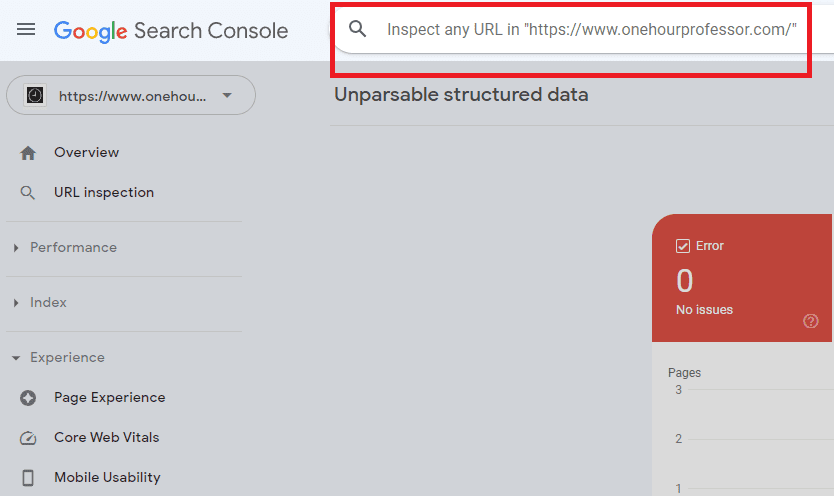
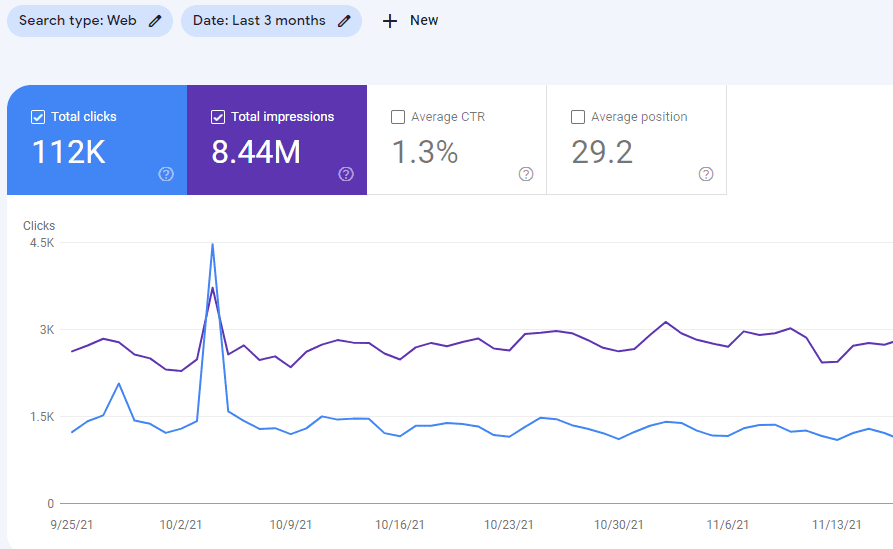
Security issues show up under Security & Manual actions — act the same day. After fixing technical issues, go back to URL Inspection and click Request indexing to speed up the re-crawl. For a site-wide noindex accident, check the performance report once it's resolved; the clicks curve usually recovers within a week.
To shore up SEO fundamentals, work through the ultimate Google SEO optimization guide item by item. To sort out GSC and site structure together, read this breakdown of Google Search Console. Used together, they're clearer than either alone.
FAQ
How often does GSC data update?
The performance report usually lags 2–3 days, and page experience data rolls over 28 days. Don't expect today's changes in tomorrow's report.
How many sites can one account manage?
There is no hard limit — one Google account can add multiple properties. Keep them separate, though. Mixing a B2B corporate site with a B2C store distorts your keyword judgment.
What should I do after verification succeeds?
Submit the sitemap, turn on email notifications, and check indexing and performance once a week. Whenever you make technical changes, confirm in URL Inspection that pages still crawl properly.
Can GSC replace Google Analytics?
No. GSC shows impressions, clicks, and indexing status on Google's side — it can't see what visitors do once they land on your site. Install both: one manages the entrance, the other manages on-site behavior.